

 All 344 guides and tools, plus dungeons, bosses, beasts, items, addons and places on the World Map.
Quick access
 Talent CalculatorAll 9 classes, share a build by link
 Interactive World MapZones by level, dungeons and routes
 Leveling Guide 1–60Your route from any start to 60
 Dungeon FinderWhich dungeons fit your level
 Rotation TrainerPractice your rotation on a dummy
 Profession LevelingAny profession 1 to 300 with a shopping list
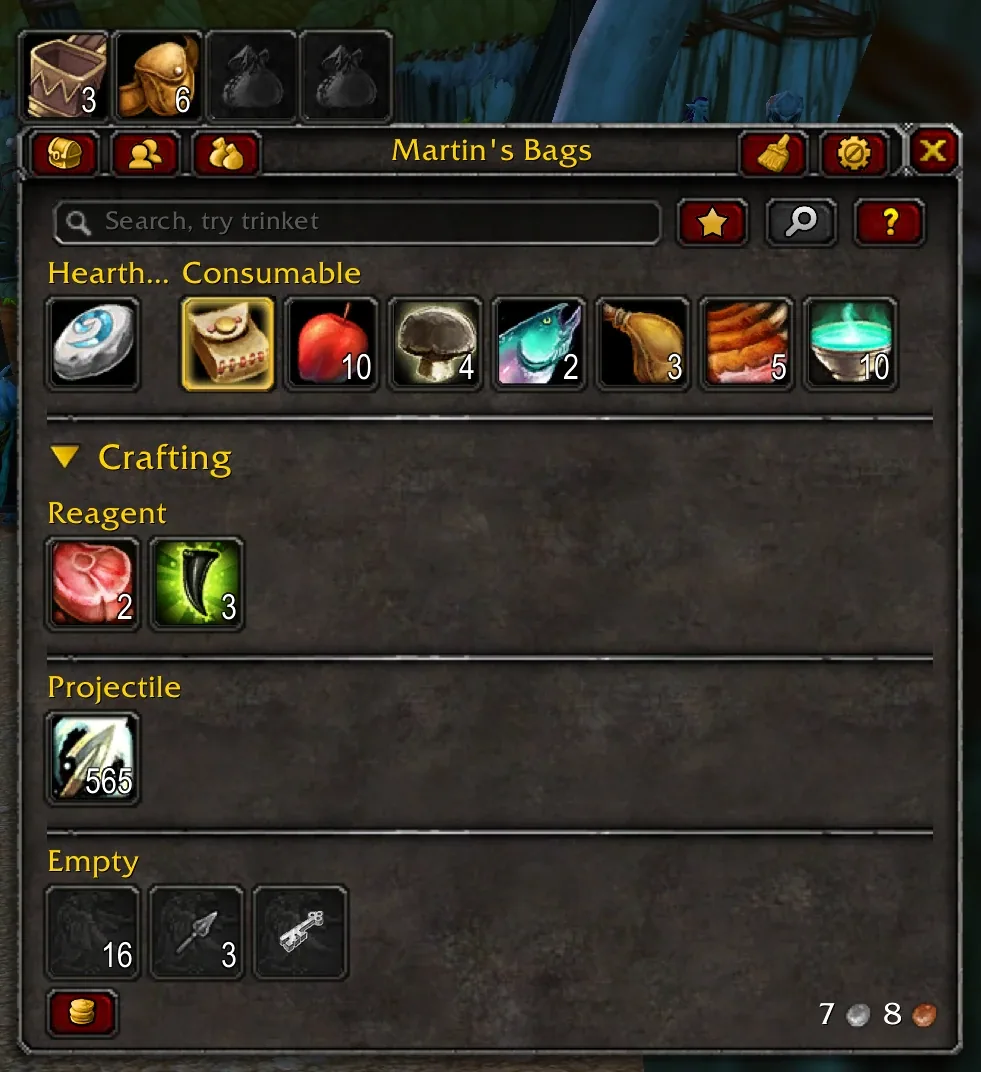

1/6Baganator bag window in category view on a Classic Era character
Captured in ClassicImages: curseforge.com
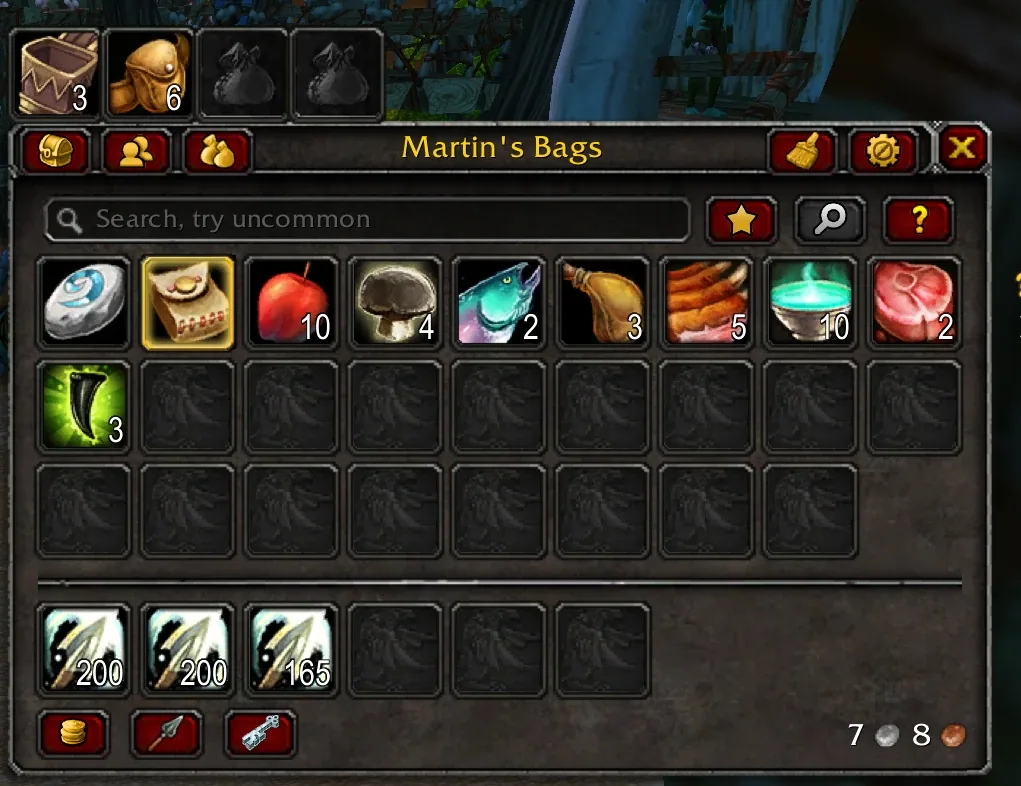
2/6Baganator single bag view on a Classic Era character
Captured in ClassicImages: curseforge.com
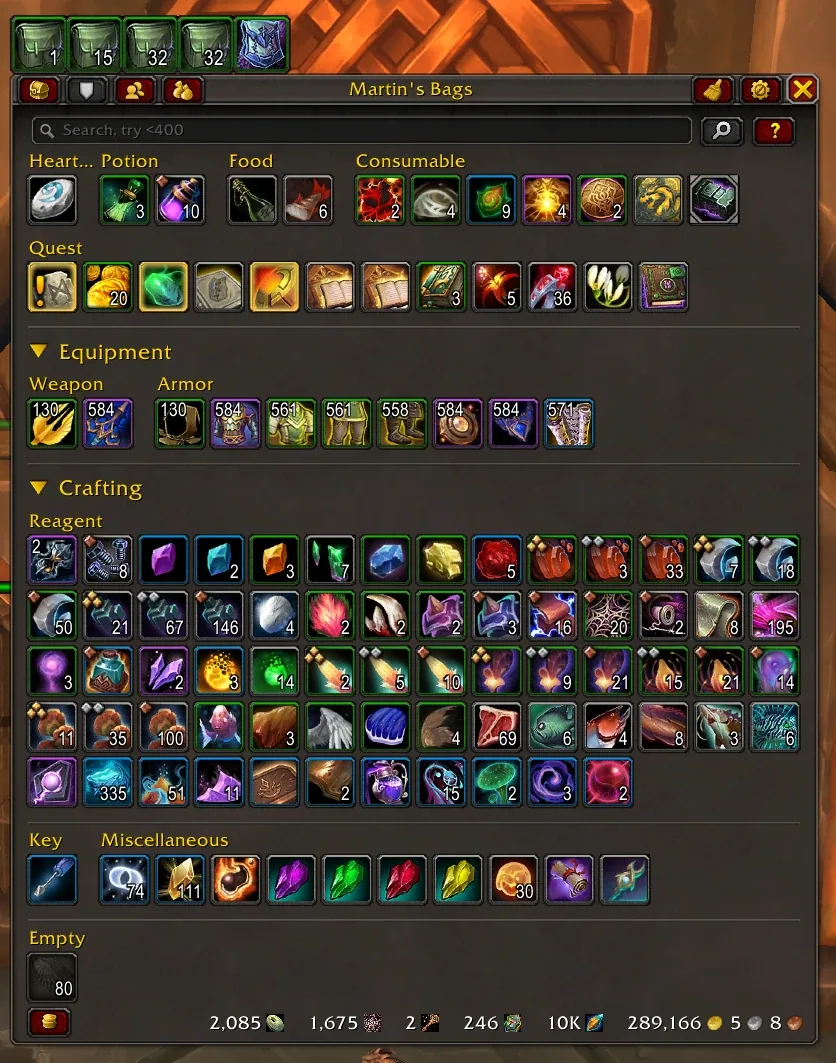
3/6Baganator default category layout with sections for consumables, quest items, gear and reagents
Captured in RetailImages: curseforge.com
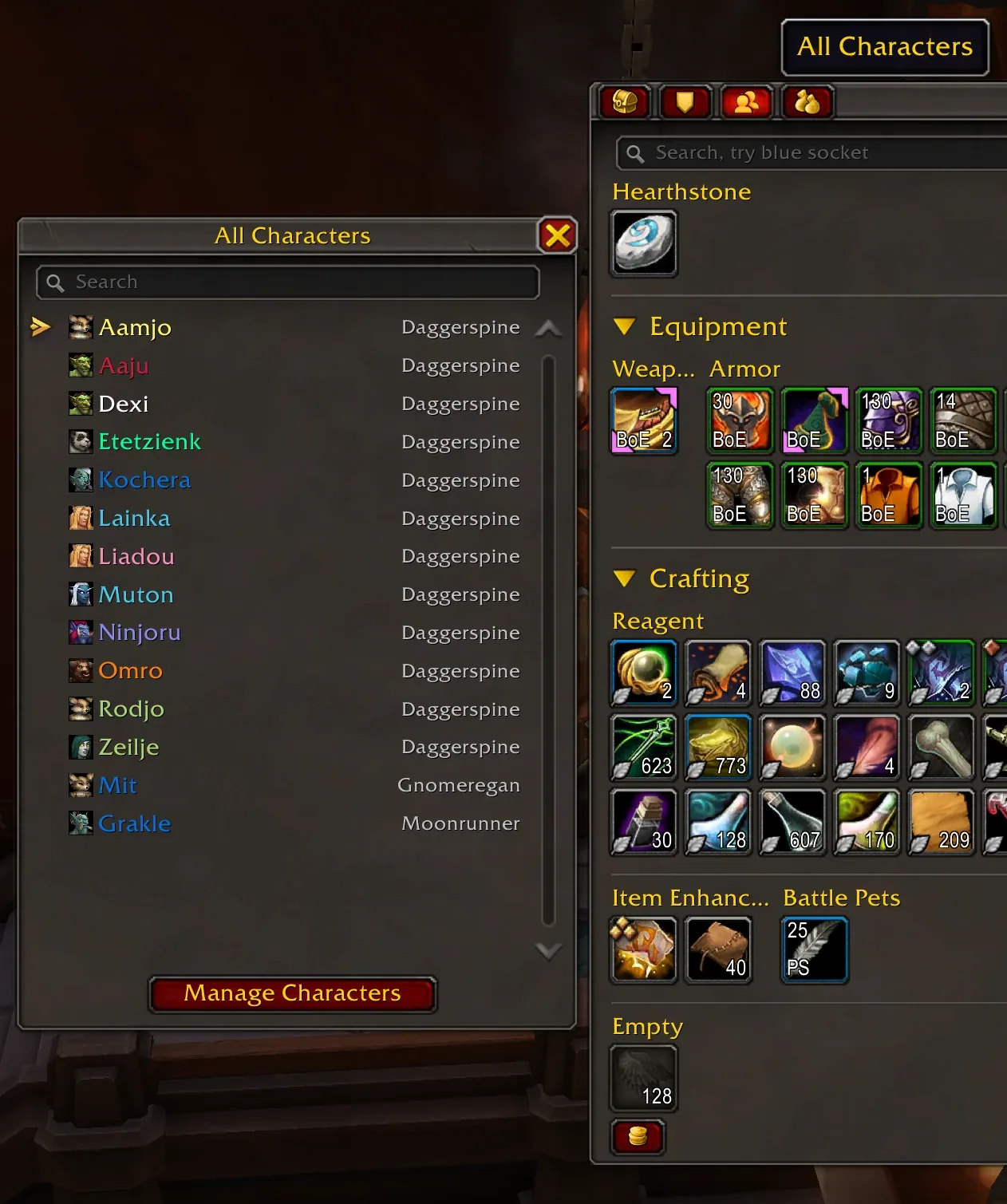
4/6Baganator All Characters list next to another character's bags
Captured in RetailImages: curseforge.com
5/6Baganator search highlighting matching items in the bag grid
AnimationCaptured in RetailImages: curseforge.com

6/6Animation: building a custom BoE category in the Baganator category editor
AnimationCaptured in RetailImages: curseforge.com
What it does
- Puts all your bags into one window, either sorted into item categories or as one big grid.
- The search box understands item types, gear slots, item level ranges and keywords such as BoE, and can combine terms.
- Lets you open the bags and bank of every character on your account from anywhere.
- Item tooltips show how many of that item your other characters carry or keep in the bank.
- Sorts your bags with one click and leaves slots you lock alone.
- Custom categories: drop an item onto a category to keep it there, or build a category from a search.
In WoW Forever
Yes, Baganator has a WoW Forever version (version 838 of October 18).
Partly built into the game already: Combine Bags.
Settings
/bgr
Type /bgr (or /baganator) with nothing after it to open the settings. /bgr help lists the other commands, for example /bgr swap to switch between category and single bag view.
Install
- Download the file tagged for Forever or game version 1.60.1.
- Unpack the folder into World of Warcraft\_classic_beta_\Interface\AddOns.
- Restart the game and check on the character screen under AddOns that it is on.
For the same job
- BagnonAll-in-one bag, bank, guild bank and vault windows.
- SyndicatorItem tracking backend that searches your bags, banks, mail, auctions and guild banks across characters, used by Baganator.
- BetterBagsTotal bag replacement, successor to AdiBags.
- BagBrotherShared engine that Bagnon and Bagnonium need.
- BagSyncTracks the items of all your characters and shows them in tooltips.
- Forever Bag MoverFreely repositions the default backpack or the combined bags, a gap of the built-in one-bag window.
FAQ
Does Baganator work in WoW Forever?
Yes, Baganator has a WoW Forever version (version 838 of October 18). We check the addon file itself, not only what the download page says.
Where do I download Baganator for WoW Forever?
On CurseForge. Take the file tagged for Forever or game version 1.60.1. Baganator has 38.8M downloads on CurseForge.
How do I open the Baganator settings?
Type /bgr in chat. Type /bgr (or /baganator) with nothing after it to open the settings. /bgr help lists the other commands, for example /bgr swap to switch between category and single bag view.
Short on time? Let a booster play it
Every guide here shows how to do it yourself. If your evenings are short, our boosters take the grind off your hands. Options and current prices are on each service page.


Connected
Linked in other guides

More guides5
More guides5
 BagnonAddon · Related Baganator
- BagSyncAddon · Related Baganator
- BetterBagsAddon · Related Baganator
- Forever Bag MoverAddon · Related Baganator
- SyndicatorAddon · Required for BaganatorPlayer report
Page history
What changed
Updated
New version with a Forever build: version and release date updated.
New version with a Forever build: version and release date updated.
New page for this addon: what it does, its Forever status, settings, install steps, alternatives and the download from the developer or the project page, with the project's screenshots where it has them, each credited to its source.
First published Every change on the guides