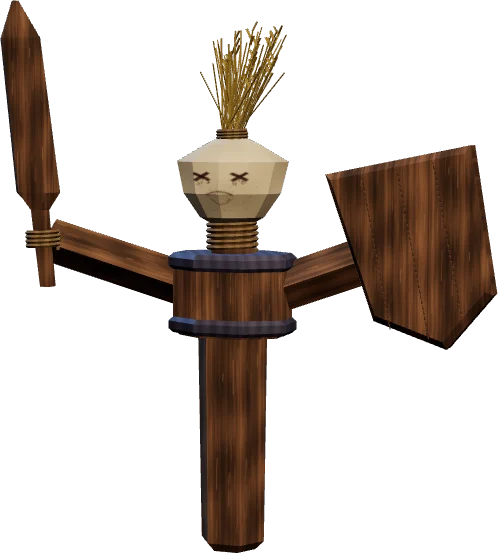
Play the rotation of your class yourself on a training dummy, on your own keys. Pick your class below, the Warrior is up first. Turn on Autoplay to see which button comes next and why.
The Warrior is up first: Arms, Protection and Fury on a training dummy. Tap the glowing button below to start.
Damage0
Damage/sec0
Rage spent0
∞
You
Why now
Auto attacks, building Rage.
Rage0
Swing
Off-hand
Auto Shot
Energy tick
Cast
How the Rotation Trainer works
1
Pick a class and a fight
Every class has fights at level 20 and 60, one tab per spec. The training dummy never dies, so take your time.
2
Play it yourself
The trainer opens in Play yourself. The glowing button is your first press. From there the fight runs, and Show tips lights up the next button by the priority list. A comparison puts your damage next to the damage of the list.
3
Your own keys
Click the key in the corner of a button and press the key you want. If another button has it, the two swap. Drag a button onto another to swap their slots, or use the keyboard button for the same, also on a phone. Reset keys brings back 1 to 9. Your setup stays saved in this browser.
4
Autoplay
Turn on Autoplay and the priority list plays for you, at up to four times the speed. Next to the dummy you read why each button was pressed. Click any button to take over.
Every class in the trainer
Each class has its own page with its fights and a written rotation under the trainer.
Costs, cooldowns, cast times and effects are the WoW Forever ones, with the talents of each fight. Damage is a rounded example: it shows the order and the rhythm, not your exact numbers. The beta stopped at level 30, so the level 60 fights use the level 60 ranks from the game client. Since launch we check them in the live game.
Rotation questions
What is the Rotation Trainer?
A training dummy in your browser where you play the rotation of your WoW Forever class. Every button has its Forever cost, cooldown and effect, and every press comes with the reason it is up now.
Which classes can I practise?
Warrior, Paladin, Hunter, Rogue, Priest, Shaman, Mage, Warlock and Druid, 40 fights at level 20 and 60 in total.
How do I set my own keys?
Click the key in the corner of a button and press the new key. If another button has it, the two trade keys. Escape cancels, Reset keys brings back 1 to 9.
Can I change the order of the bar?
Yes. Drag a button onto another, or open the keyboard button and click two slots in a row. On a phone you tap two slots.
Are my keys saved?
Yes, in your browser, no account needed. In a private window or with storage blocked they only last for this visit.
What does Autoplay do?
The priority list plays the fight for you, at double or four times the speed if you like, and next to the dummy you read why each button was pressed. Click a button and you take over.
Does clicking an ability open Wowhead?
No. A click presses the button in the trainer. Hover over it with the mouse and the tooltip shows the ability.
Does the trainer work on a phone?
Yes, you tap the buttons. There are no keys on a phone, but you can still change the order of the buttons.
Are the numbers in the trainer exact?
Costs, cooldowns and effects come from Forever. The damage is a rounded example, and the level 60 values come from the data of the launch client.
How often is the trainer updated?
With every class patch and hotfix. It followed the beta builds and follows the launch client now. What changed is listed at the bottom of each class page under What changed.
Short on time? Let a booster play it
Every guide here shows how to do it yourself. If your evenings are short, our boosters take the grind off your hands. Options and current prices are on each service page.