
Quick access


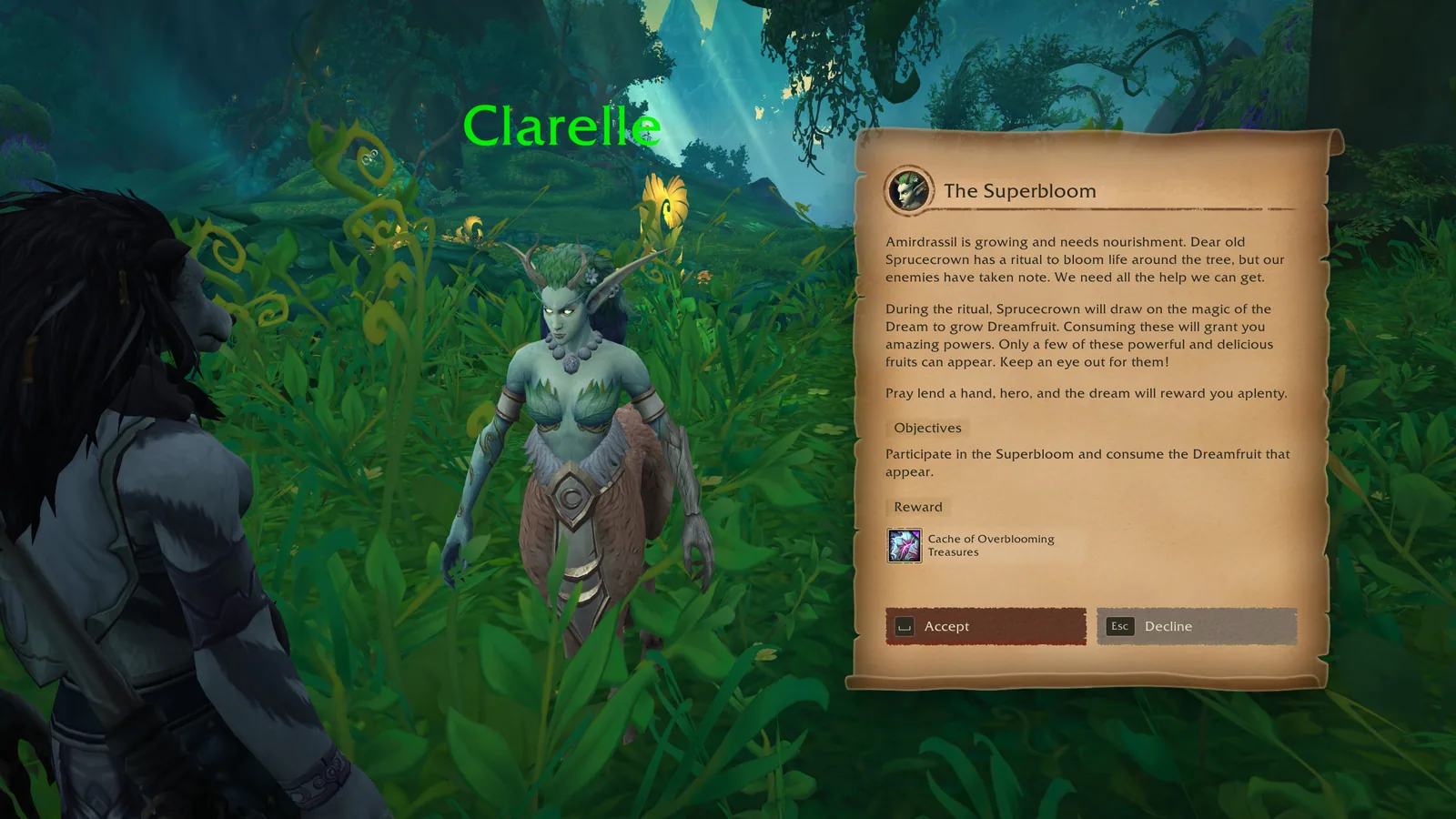

1/5A quest panel with parchment look next to the quest giver, with objectives, a reward and Accept and Decline buttons.
Captured in RetailImages: curseforge.com
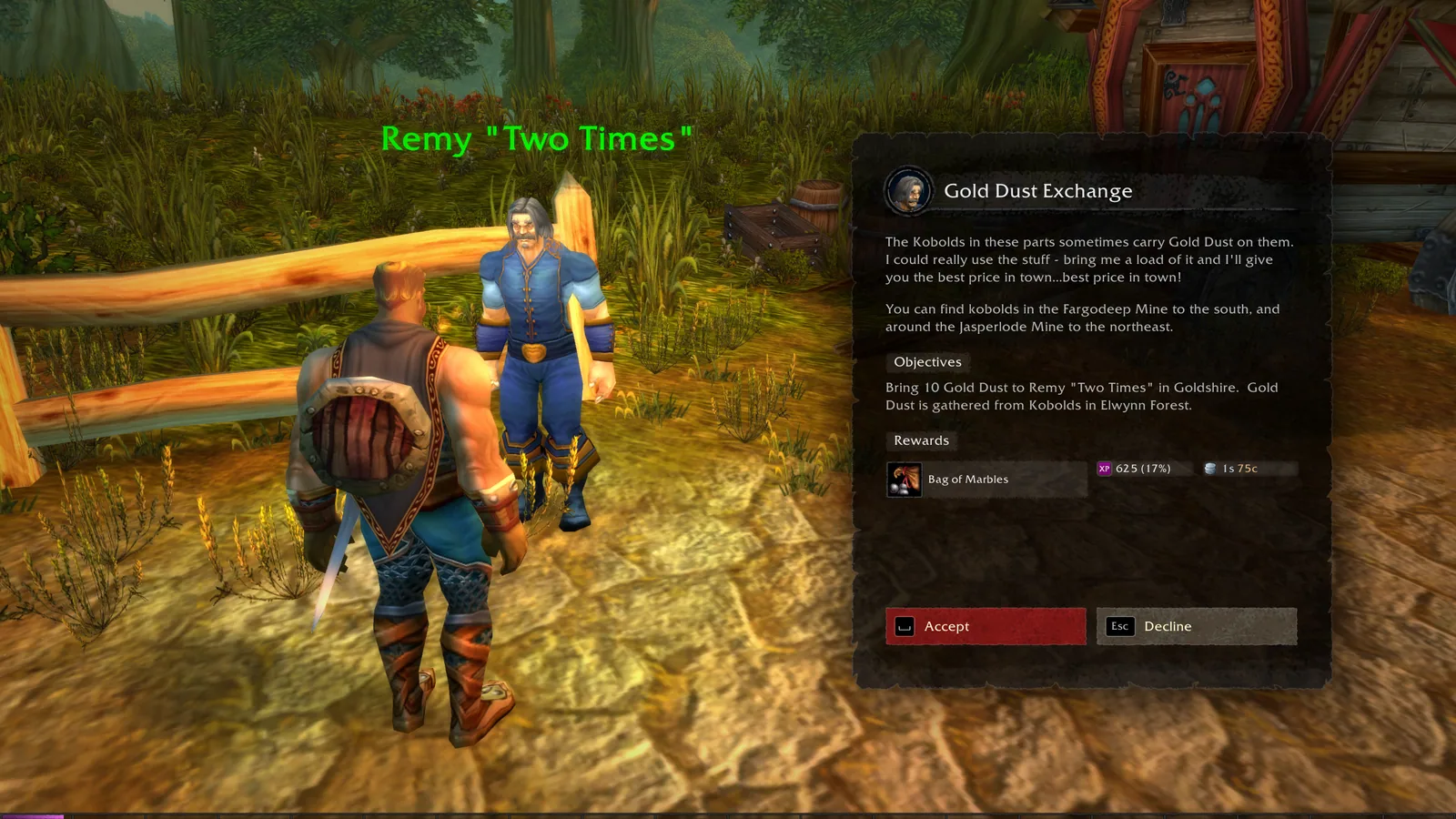
2/5The same quest panel in the dark theme.
Captured in RetailImages: curseforge.com
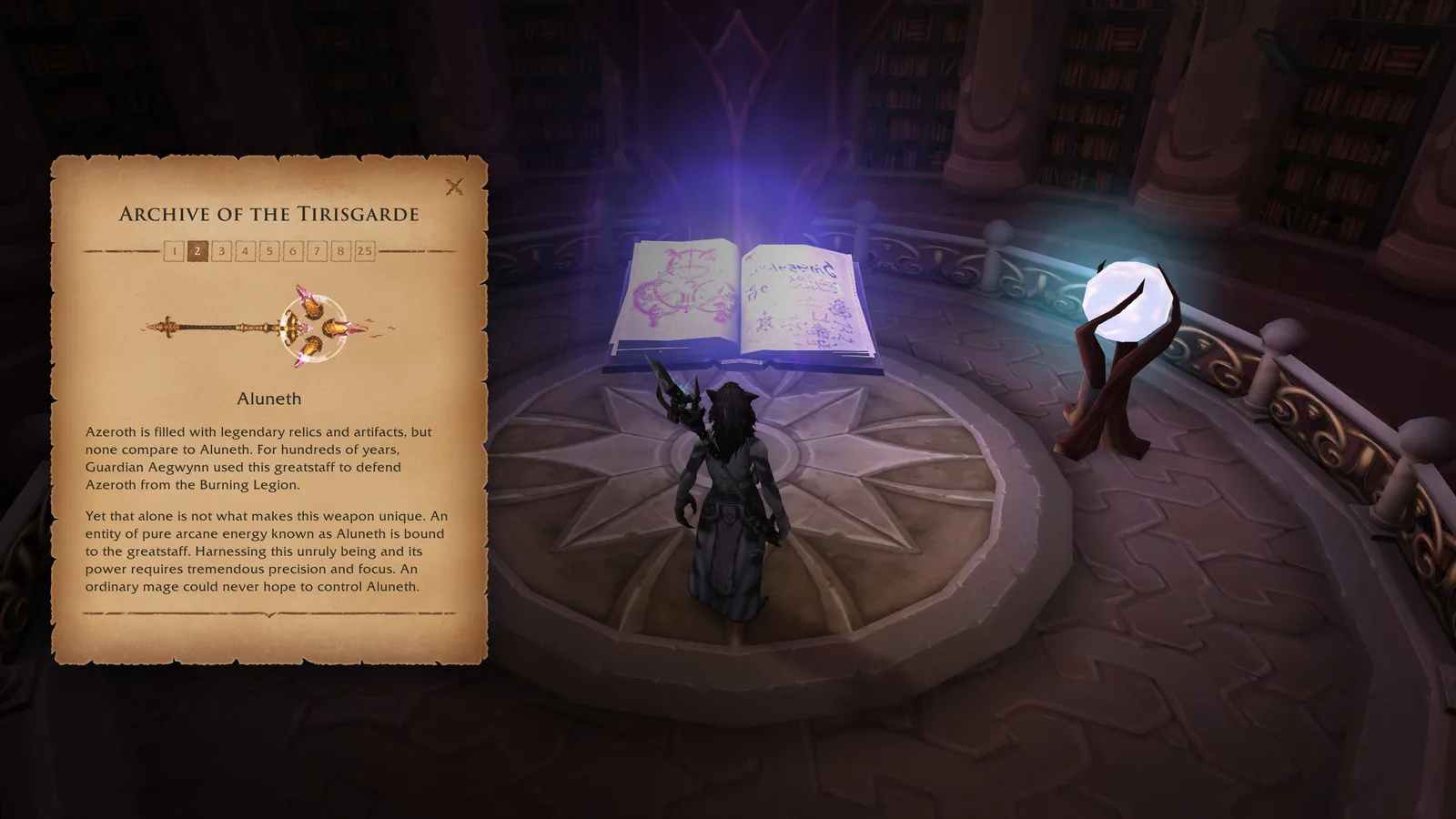
3/5The book panel in parchment style showing a lore text with page buttons and an item picture.
Captured in RetailImages: curseforge.com
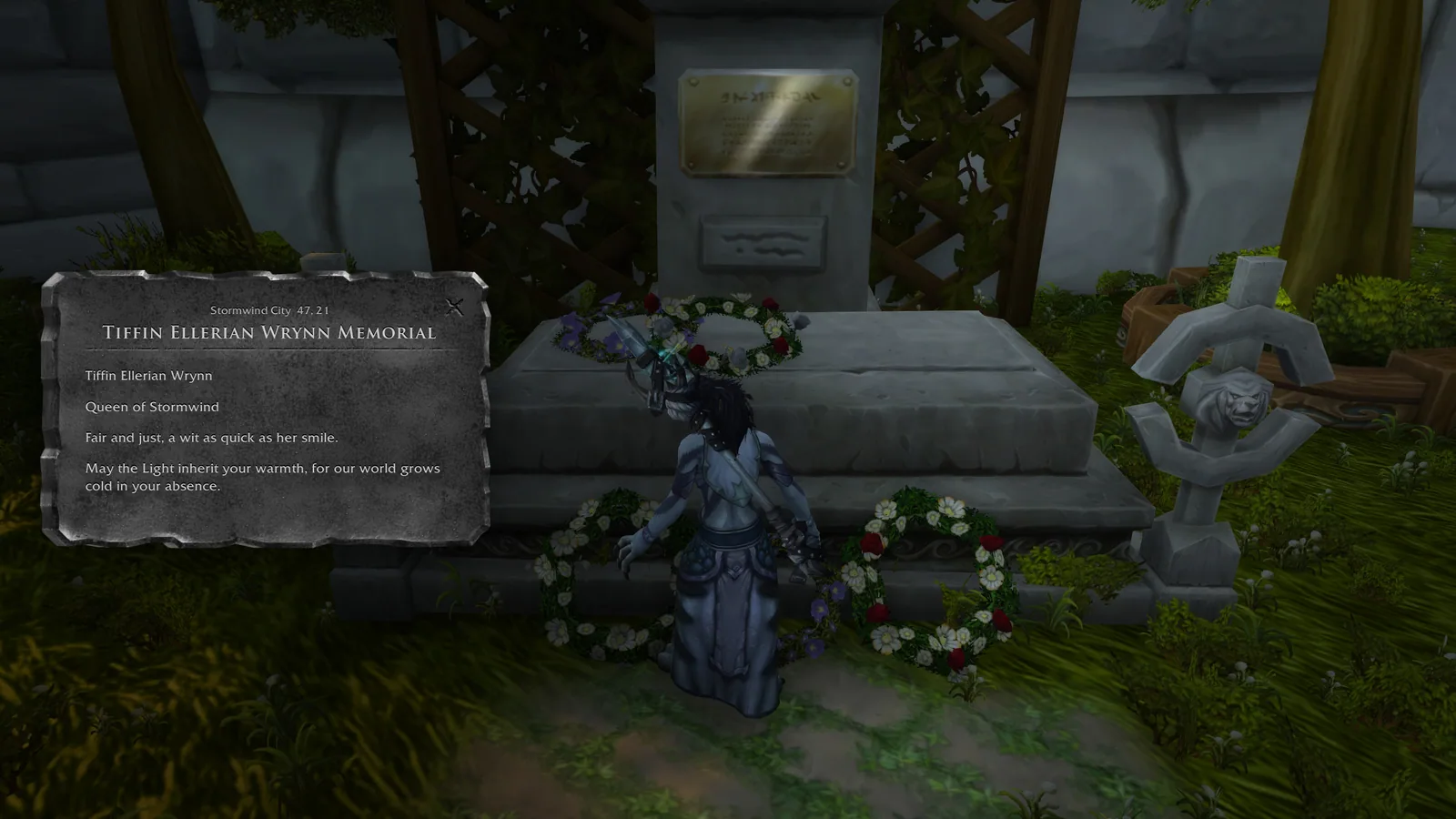
4/5The book panel in the metal style.
Captured in RetailImages: curseforge.com
5/5An animated preview of the valuable reward popup on a quest reward.
AnimationCaptured in RetailImages: curseforge.com
What it does
- Replaces the quest and gossip windows with a clean dialogue panel, in a light brown or a dark theme.
- Accept quests, pick dialogue options and decline with keyboard keys or a gamepad button.
- Moves the camera toward the NPC while you talk. It can zoom in or pan sideways, and you can turn it off, either everywhere or just in dungeons and raids.
- Shows books, letters and item lore text in a readable book panel, with a parchment or a metal look.
- Lets you copy dialogue text and NPC chat lines, and change the font and its size.
- In the Forever build, reward gear shows its item level in the tooltip, and a quest done by another character of yours gets a checkmark.
In WoW Forever
Yes, Dialogue UI has a WoW Forever version.
Install
- Download the file tagged for Forever or game version 1.60.1.
- Unpack the folder into World of Warcraft\_classic_beta_\Interface\AddOns.
- Restart the game and check on the character screen under AddOns that it is on.
For the same job
- QuestieQuest helper that draws quest givers, objectives and turn-ins on the map and minimap with its own tracker.
- ImmersionQuest dialogue replacement with camera and gamepad friendly presentation.
- Forever Quest PinsAdds yellow exclamation pins for available quests to Blizzard's world map using converted AllTheThings data.
- QuestieTraceRecorder that captures a play session and exports a string players send to the Questie team to fill the Forever quest database.
- pfQuestQuest and database addon for the Vanilla 1.12 and Burning Crusade 2.4.3 clients.
- EQ Objective TrackerFully customisable objective tracker.
FAQ
Does Dialogue UI work in WoW Forever?
Yes, Dialogue UI has a WoW Forever version. We check the addon file itself, not only what the download page says.
Where do I download Dialogue UI for WoW Forever?
On GitHub under Releases. Take the file tagged for Forever or game version 1.60.1. Dialogue UI has 7.9M downloads on CurseForge.
Short on time? Let a booster play it
Every guide here shows how to do it yourself. If your evenings are short, our boosters take the grind off your hands. Options and current prices are on each service page.


Connected
Linked in other guides
More guides3
More guides3

- LevelingActivity · Useful addons Dialogue UI
Page history
What changed
Updated
The current Forever version is 1.0.7 b of November 5.
Dialogue UI now has a Forever version: 1.0.7 of November 4.
New page for this addon: what it does, its Forever status, settings, install steps, alternatives and the download from the developer or the project page, with the project's screenshots where it has them, each credited to its source.
First published Every change on the guides