
Quick access


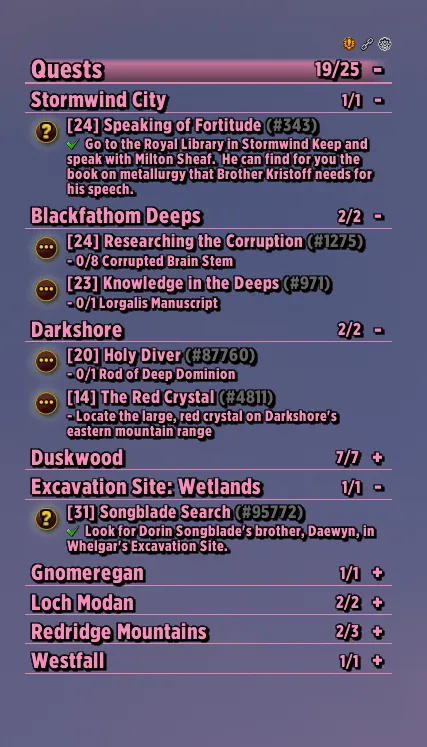
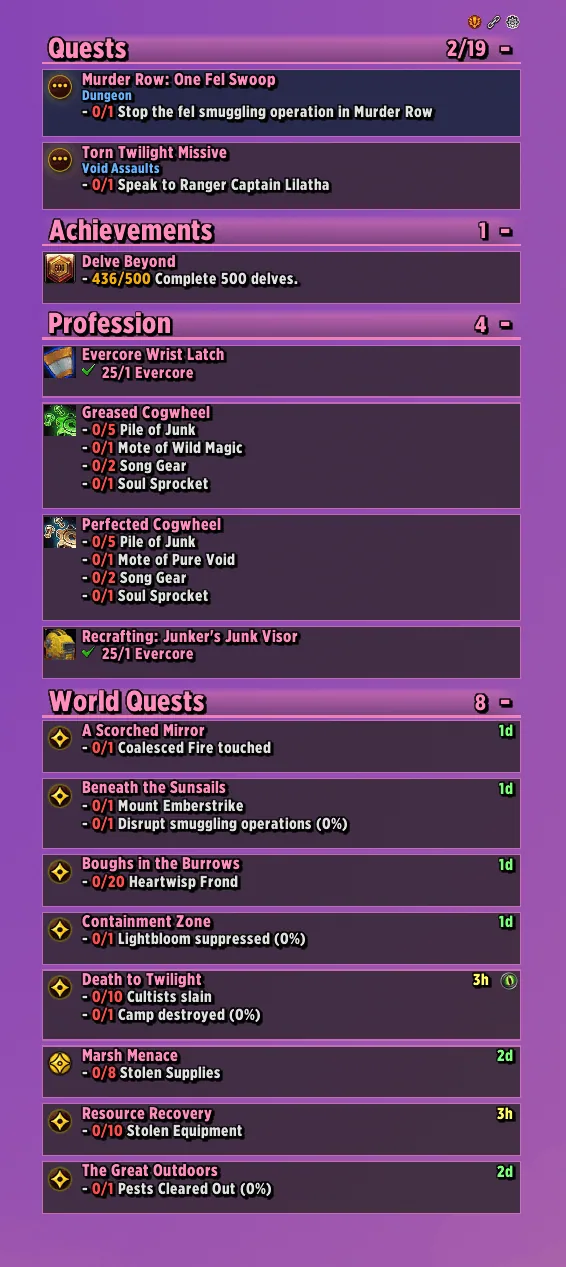
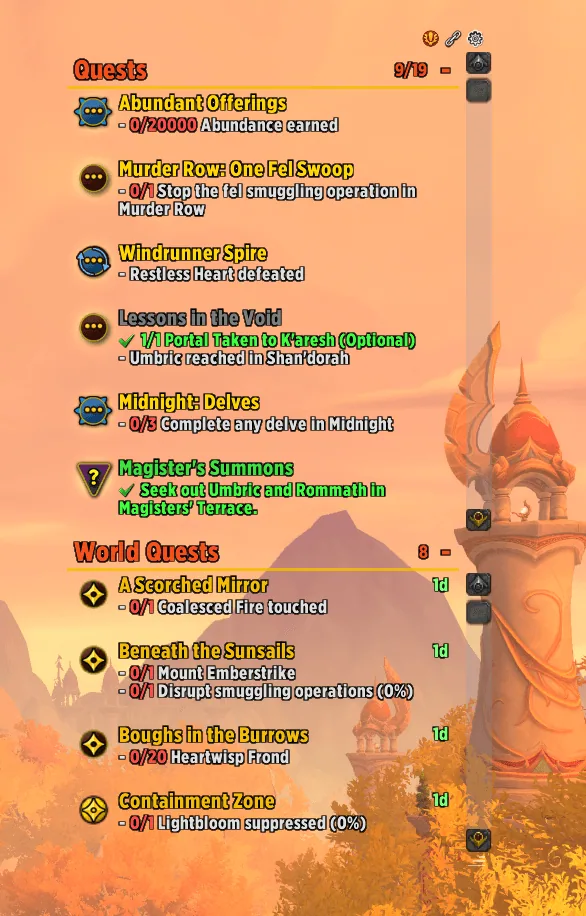
1/6The tracker on Forever with quests split by zone under divider lines, in class color.
Captured in WoW ForeverImages: curseforge.com
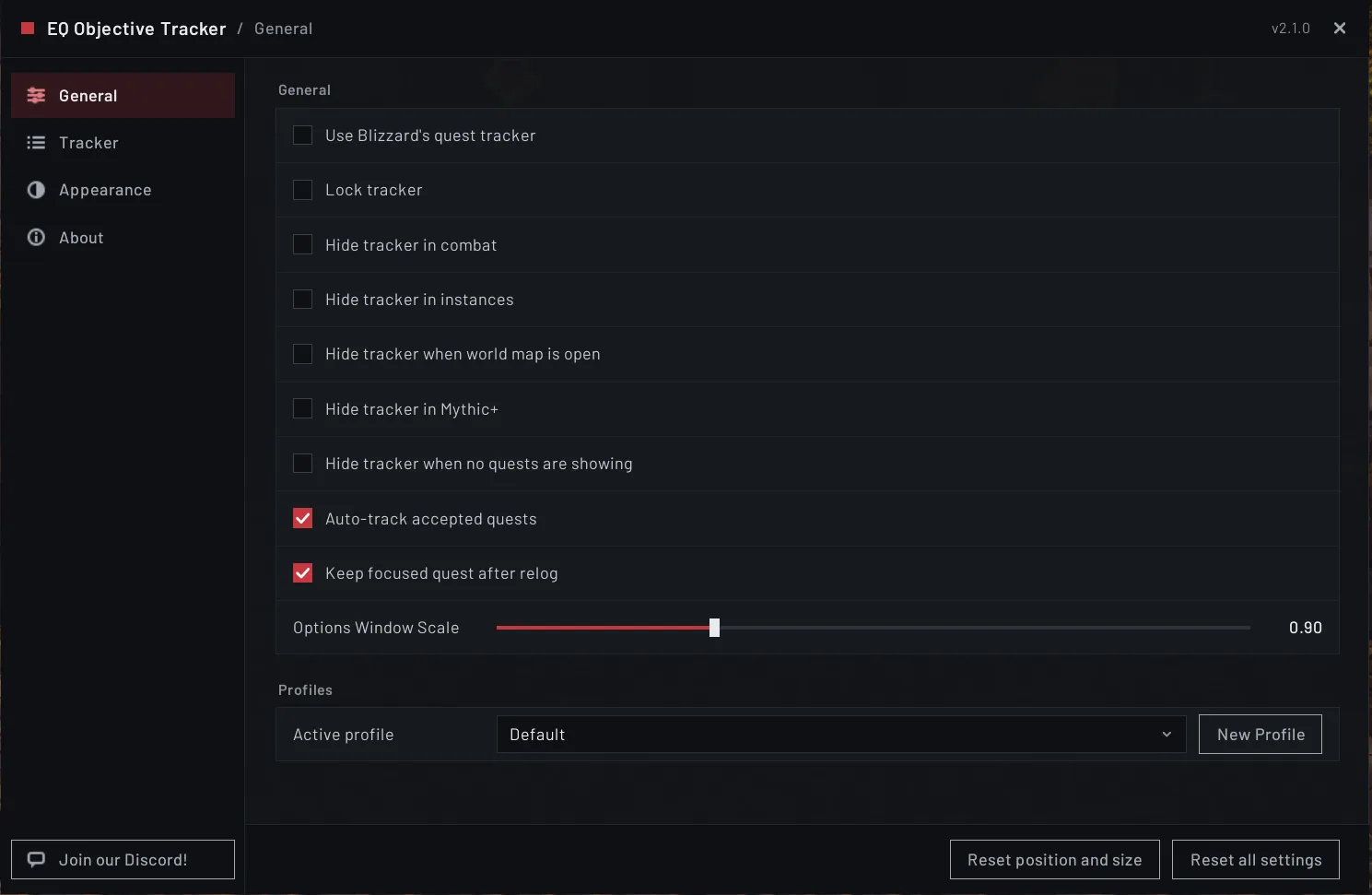
2/6The General tab of the options window with hide rules, auto-track and profiles.
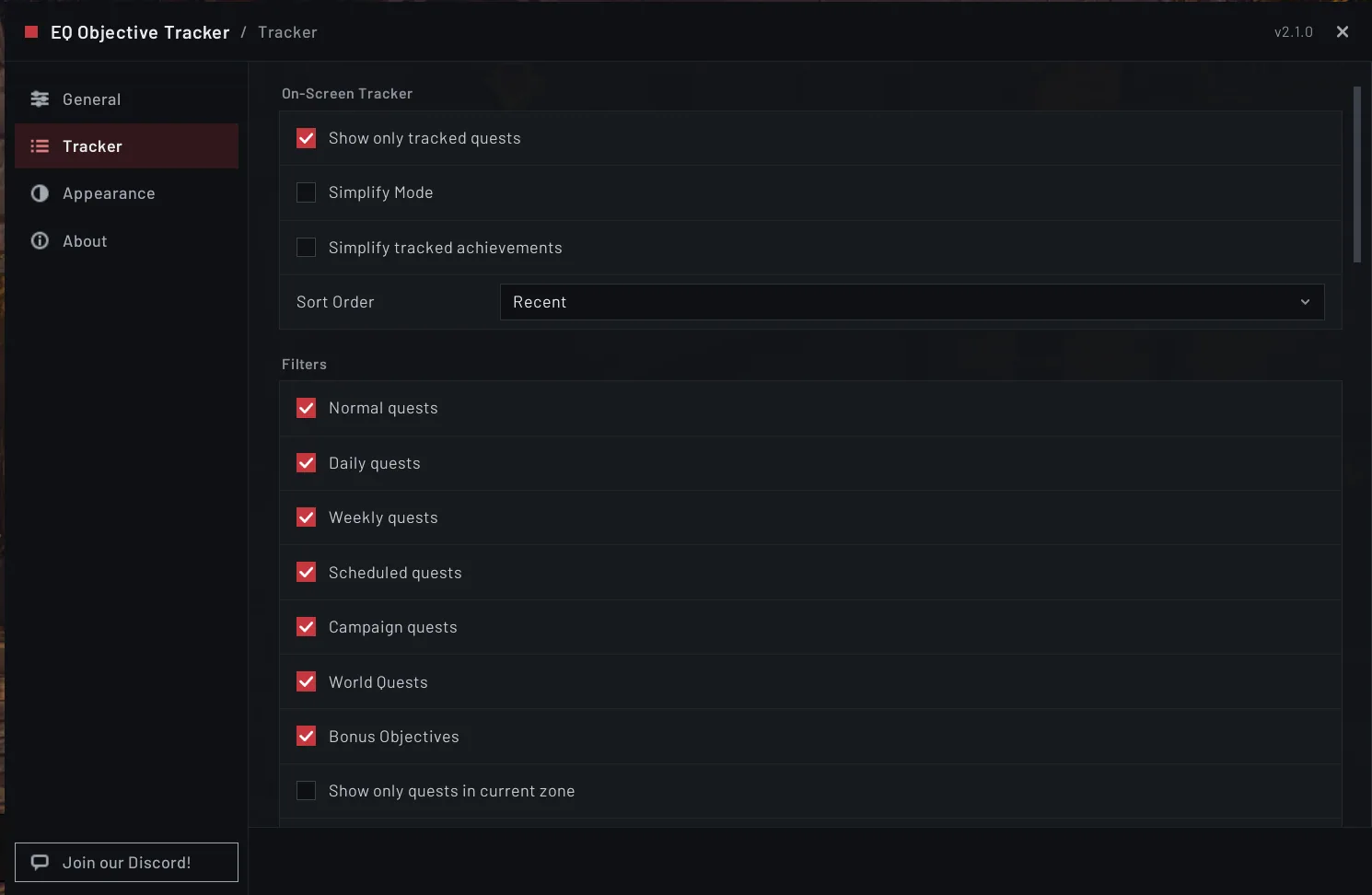
3/6The Tracker tab of the options window.
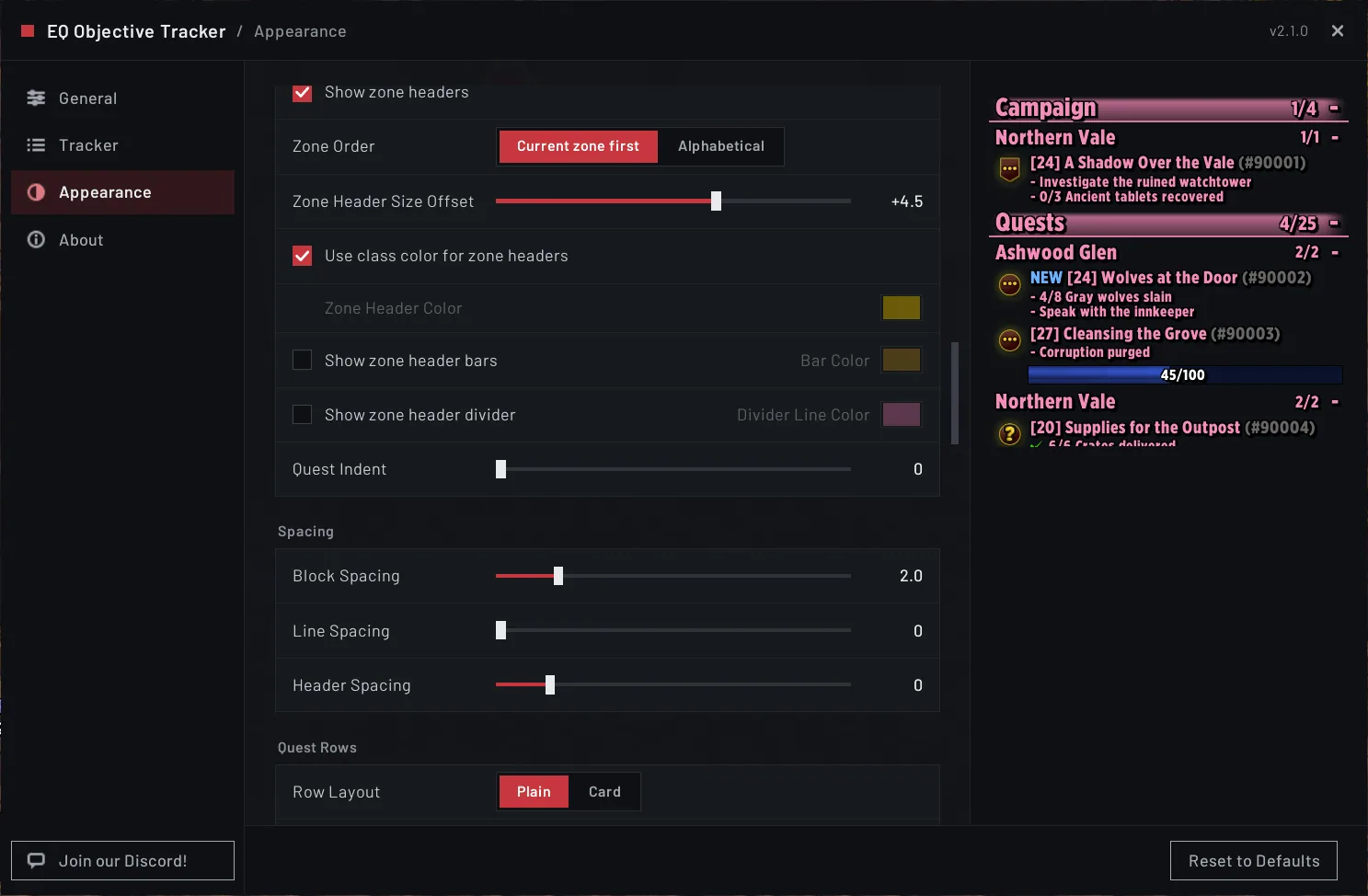
4/6The Appearance tab of the options window.
5/6Quest rows switched to card rows, tinted by quest type.
6/6The tracker with its default look, out of the box.
What it does
- Replaces Blizzard's objective tracker with a frame you can move, resize and scroll, and it needs no other addon.
- On Forever it follows your quests, grouped by zone with the zone you are in on top, and with objectives and progress counts.
- Eight sort orders, filters by quest type and zone, quest pinning and manual drag ordering.
- Hover a quest to see its objectives and rewards, with item level compared to what you wear. Right click opens a menu for pin, track, untrack and Wowhead search.
- Fonts, colors, spacing, progress bars, card rows and zone header bars are all adjustable, with profiles you can switch between.
- With Everything Quests and TomTom installed, the quest you follow gets a TomTom arrow.
In WoW Forever
Yes, EQ Objective Tracker has a WoW Forever version (version 2.11.0 of November 6).
Settings
/eqot
Type /eqot to open the options panel. /eqot lock and /eqot unlock fix or free the frame, and /eqot reset restores position and size.
Install
- Download the file tagged for Forever or game version 1.60.1.
- Unpack the folder into World of Warcraft\_classic_beta_\Interface\AddOns.
- Restart the game and check on the character screen under AddOns that it is on.
For the same job
- QuestieQuest helper that draws quest givers, objectives and turn-ins on the map and minimap with its own tracker.
- ImmersionQuest dialogue replacement with camera and gamepad friendly presentation.
- Dialogue UIQuest dialogue UI with camera control and gamepad support.
- Forever Quest PinsAdds yellow exclamation pins for available quests to Blizzard's world map using converted AllTheThings data.
- QuestieTraceRecorder that captures a play session and exports a string players send to the Questie team to fill the Forever quest database.
- pfQuestQuest and database addon for the Vanilla 1.12 and Burning Crusade 2.4.3 clients.
FAQ
Does EQ Objective Tracker work in WoW Forever?
Yes, EQ Objective Tracker has a WoW Forever version (version 2.11.0 of November 6). We check the addon file itself, not only what the download page says.
Where do I download EQ Objective Tracker for WoW Forever?
On GitHub under Releases. Take the file tagged for Forever or game version 1.60.1. EQ Objective Tracker has 22.8K downloads on CurseForge.
How do I open the EQ Objective Tracker settings?
Type /eqot in chat. Type /eqot to open the options panel. /eqot lock and /eqot unlock fix or free the frame, and /eqot reset restores position and size.
Short on time? Let a booster play it
Every guide here shows how to do it yourself. If your evenings are short, our boosters take the grind off your hands. Options and current prices are on each service page.


Connected
Linked in other guides
More guides2
More guides2
- LevelingActivity · Useful addons EQ Objective Tracker

Page history
What changed
Updated
The current Forever version is 2.11.0 of November 6.
The current Forever version is 2.10.3 of November 4.
Dialogue UI has a Forever version now.
First published Every change on the guides