


Quick access


Grid2 for WoW Forever
Yes, Grid2 has a WoW Forever version (version 4.1.13 of November 15). Modular grid of party and raid unit frames for healers. Get it on GitHub under Releases and type /grid2 in chat to open its settings. Among the 9 addons in the Unit and raid frames group it ranks 4th by downloads.
- Downloads
- 15.4M
- Version
- 4.1.13
- checked
- Nov 18
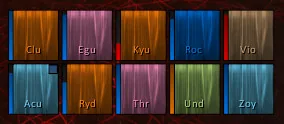
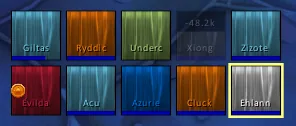
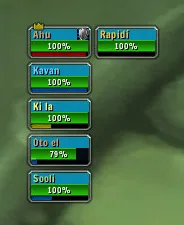
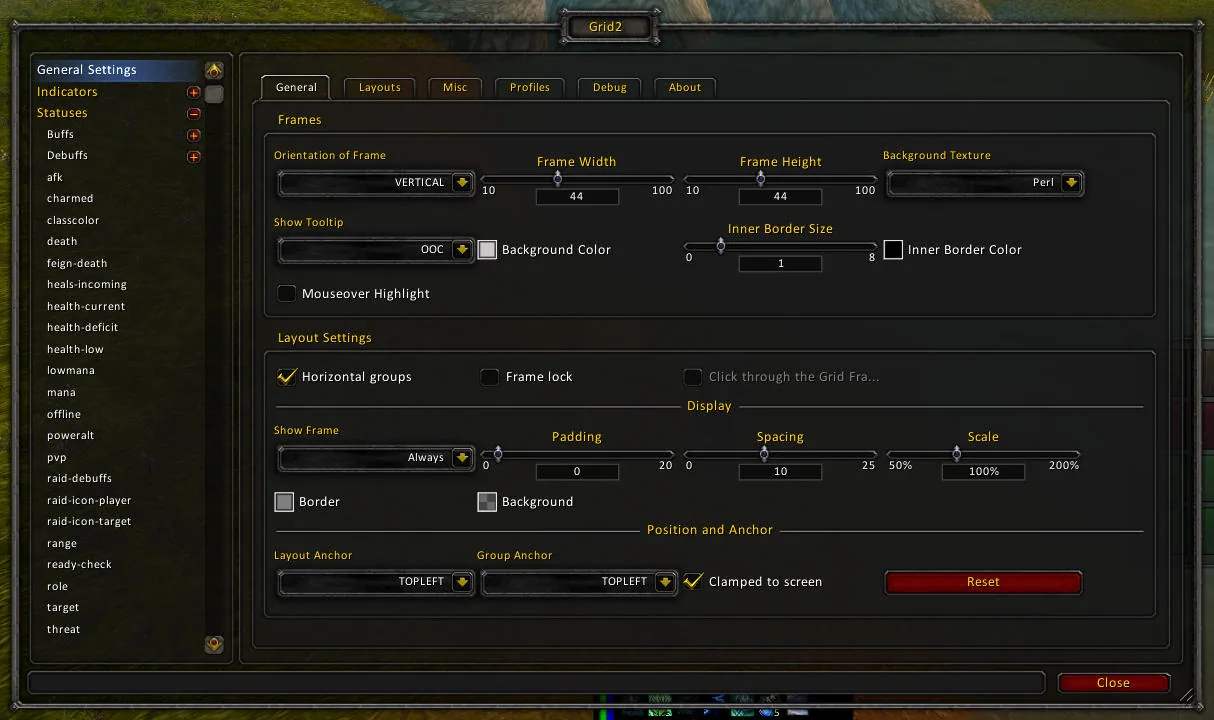
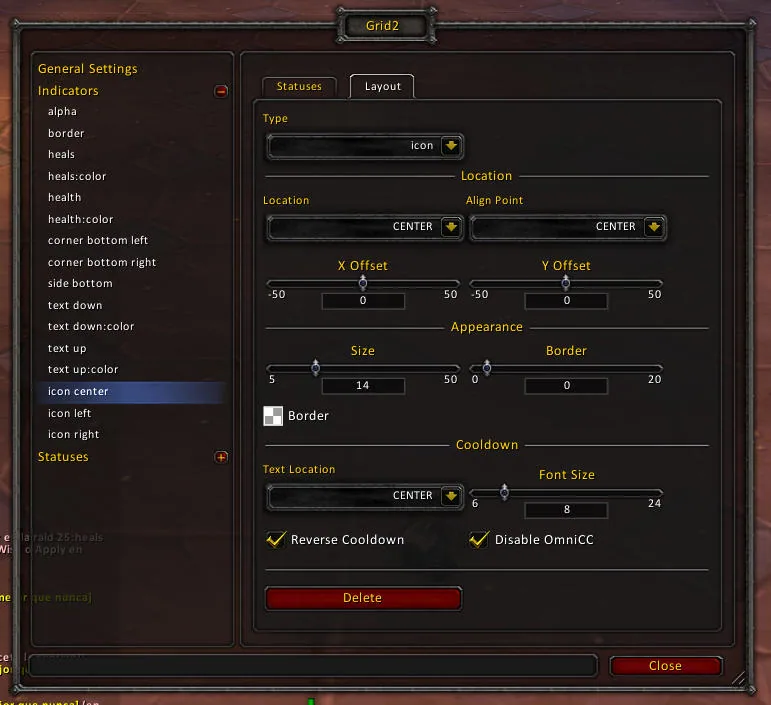
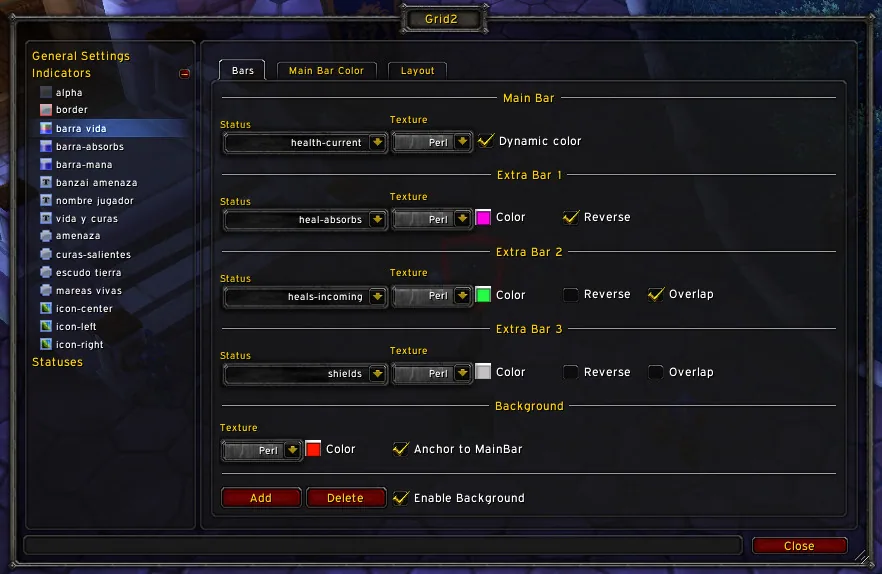
What it does
- Shows party and raid members as a compact grid of frames that saves screen space.
- Every frame carries indicators (icon, several icons, square, text, bar, multibar) that you place freely and link to statuses such as health, incoming heals, range or role.
- Ships with a large set of statuses, most of them off by default, so you choose what the frames show. Raid debuffs are an optional module you switch on under Statuses.
- A test mode for layouts and indicators lets you build your frames without a live group.
- Profiles can be exported, imported and shared with other players.
- The Forever build 4.1.5 adds default profiles for Classic Forever, Forever player buff lists with all ranks for most spells and a Ping status that shows received pings as icons or colors.
Settings
/grid2
Type /grid2 (or /gr2), left-click the minimap icon or the DataBroker launcher, or open it from the addon list in the game menu.
Install
- Download the file tagged for Forever or game version 1.60.1.
- Unpack the folder into World of Warcraft\_forever_\Interface\AddOns.
- Restart the game and check on the character screen under AddOns that it is on.
How to install addons in WoW ForeverAre addons allowed in WoW Forever?
For the same job
- HealBot ContinuedHealing interface with skins, click-cast options and frame styling.
- CliqueKeyboard and mouse click casting on unit frames, the standard in Classic.
- BetterBlizzFramesKeeps Blizzard's unit frames but adds many options and easy settings.
- DecursiveDispel helper that lists debuffs to cleanse. Its author ships Forever builds as release candidates, no stable version yet.
- Quartz ReduxModular cast bar addon updated for Forever and Midnight.
- Z-Perl Unit Frames ForeverSecond Forever port of Z-Perl that replaces the normal unit frames.
FAQ
Does Grid2 work in WoW Forever?
Yes. We checked the addon file of version 4.1.13 on November 18, not only the download page.
Where do I download Grid2 for WoW Forever?
On GitHub under Releases. Take the file tagged for Forever or game version 1.60.1. Grid2 has 15.4M downloads on CurseForge.
How do I open the Grid2 settings?
Type /grid2 in chat. Type /grid2 (or /gr2), left-click the minimap icon or the DataBroker launcher, or open it from the addon list in the game menu.
Short on time? Let a booster play it
Every guide here shows how to do it yourself. If your evenings are short, our boosters take the grind off your hands. Options and current prices are on each service page.


Linked in other guides
More guides8
More guides8


Page history
What changed
Updated
Every addon page says where to get the addon and how it ranks among the addons of its kind, and names the built-in tool that does part of the same job
The current Forever version is 4.1.13 of November 15.
Every addon shows the date of our last check now, not the day its Forever support was first seen.
First published Every change on the guides