
Quick access


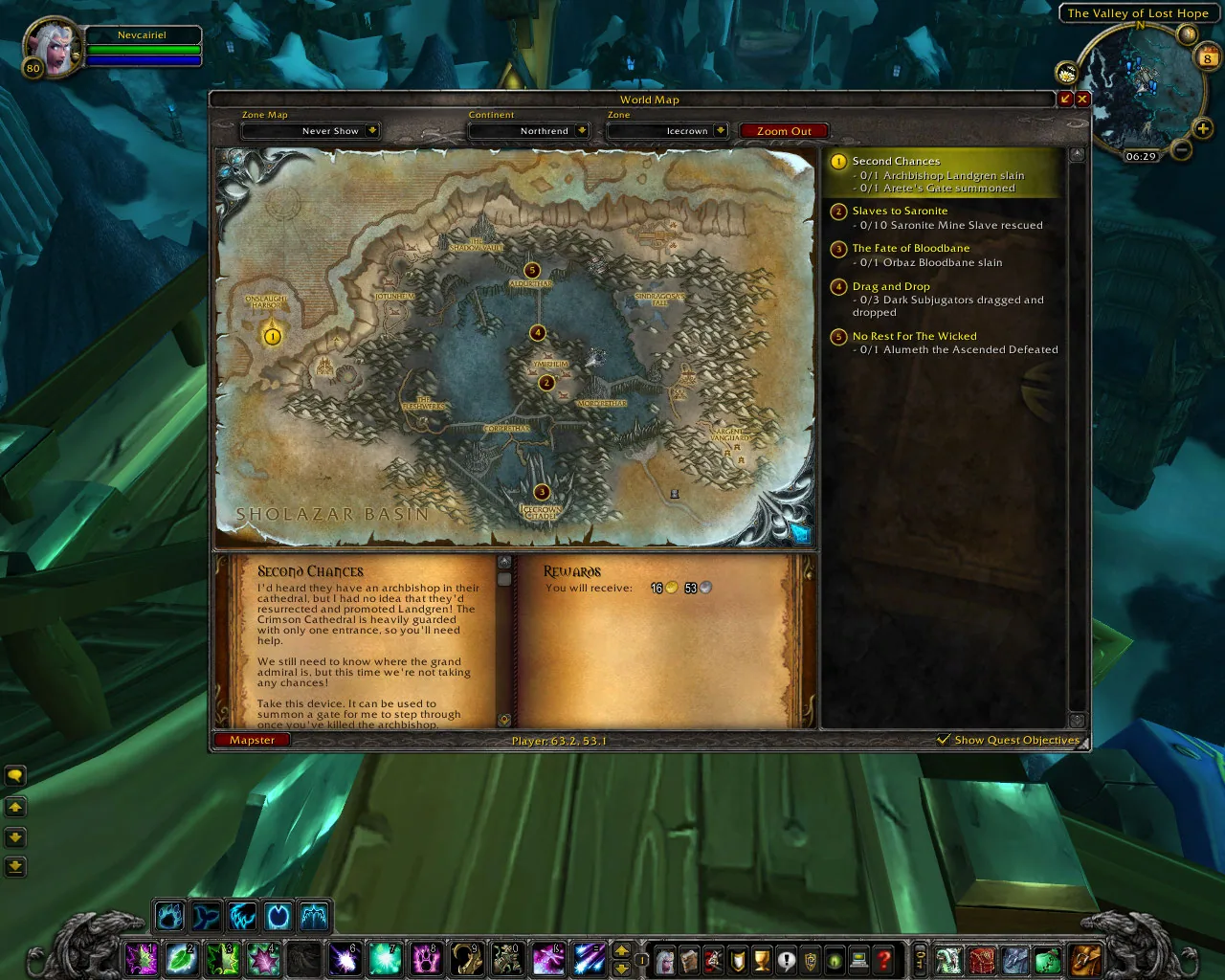
1/2Mapster on the world map in an older game client: the map window with a Mapster button in the bottom left, player coordinates in the status bar and the quest list on the right.
Captured in ClassicImages: curseforge.com
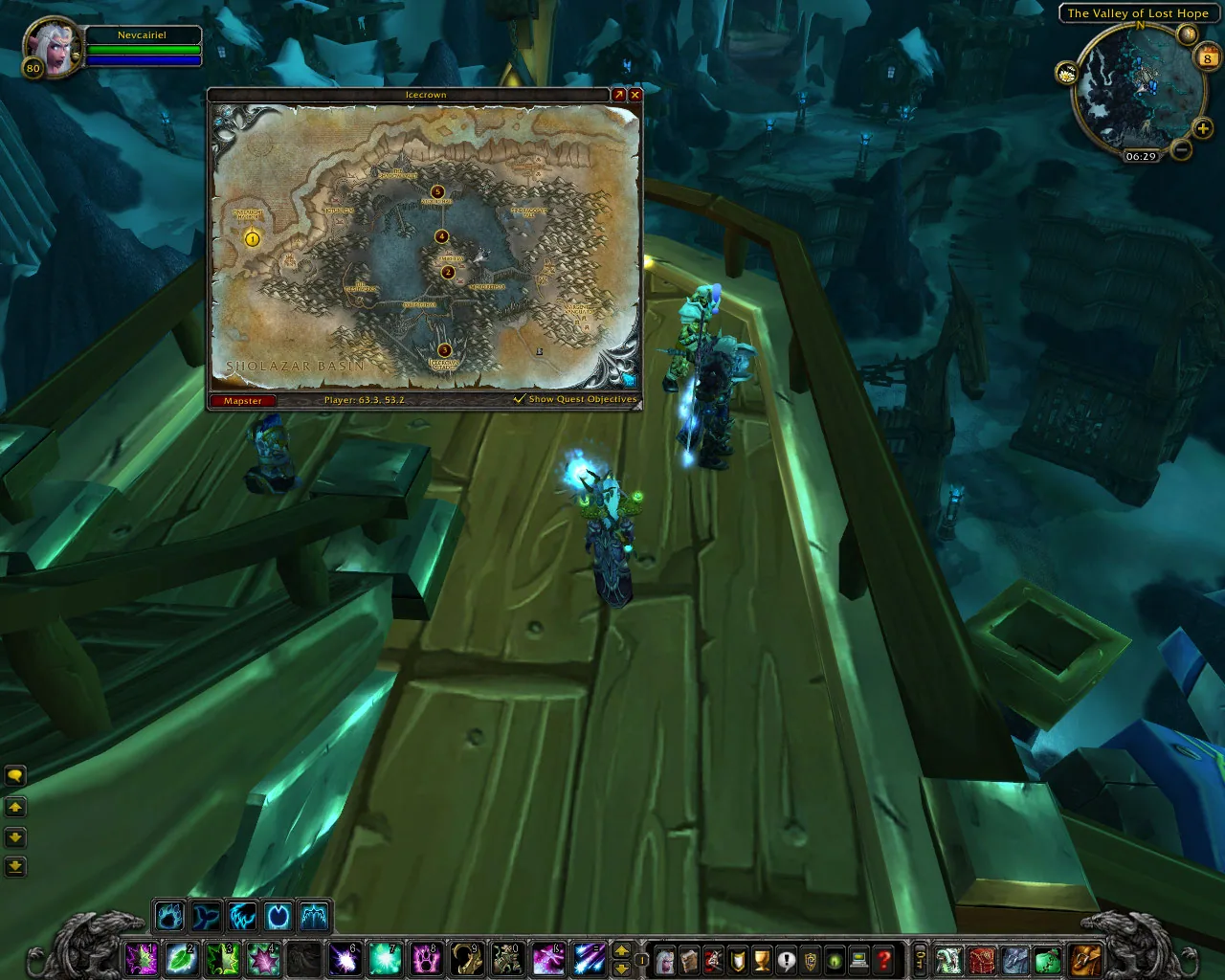
2/2Mapster showing the world map as a small window over the game scene, with the player coordinates at the bottom.
Captured in ClassicImages: curseforge.com
What it does
- Changes how the world map window looks: scale it down so it does not fill the screen and set how see-through it is.
- Fades the map out while you move, with its own faded transparency setting.
- Shows your own coordinates and the coordinates under the mouse cursor at the bottom of the map.
- Removes the fog of war so undiscovered zones show their artwork, with an optional color overlay on the parts you have not explored. Version 1.14.0 added the map data for Forever.
- Scales the player arrow and the quest markers, and puts a small Mapster button on the map that opens the settings. Every part except the style can be switched off.
In WoW Forever
Mapster has no WoW Forever version yet.
Settings
/mapster
Type /mapster or click the Mapster button on the world map to open the settings. The modules (Coordinates, FogClear) and the profiles have their own pages there.
Install
- Download the file tagged for Forever or game version 1.60.1.
- Unpack the folder into World of Warcraft\_classic_beta_\Interface\AddOns.
- Restart the game and check on the character screen under AddOns that it is on.
For the same job
- TomTomWaypoint arrow and coordinates for any map spot, the addon behind most "point me there" features.
- Leatrix MapsMap enhancements from Leatrix that support every WoW version.
- Forever World Map RevealFixes missing Forever beta world map textures on clients that are not English.
- Waypoint UIIn-world waypoint display that shows relevant information in space.
- OpenMapOne seamless world map with every zone stitched together, so you zoom out of one zone and pan straight into the next. Blizzard's map, the quest log and Questie keep working. Still a beta. Opens with /openmap.
- Zone Info: ForeverAdds the zone level range and the dungeons and raids in it to the World Map tooltip, renamed from Zone Level Forever.
FAQ
Does Mapster work in WoW Forever?
Mapster has no WoW Forever version yet. We check the addon file itself, not only what the download page says.
Where do I download Mapster for WoW Forever?
On GitHub under Releases. Take the file tagged for Forever or game version 1.60.1. Mapster has 10.9M downloads on CurseForge.
How do I open the Mapster settings?
Type /mapster in chat. Type /mapster or click the Mapster button on the world map to open the settings. The modules (Coordinates, FogClear) and the profiles have their own pages there.
Short on time? Let a booster play it
Every guide here shows how to do it yourself. If your evenings are short, our boosters take the grind off your hands. Options and current prices are on each service page.


Connected
Linked in other guides
Page history
What changed
Updated
New page for this addon: what it does, its Forever status, settings, install steps, alternatives and the download from the developer or the project page, with the project's screenshots where it has them, each credited to its source.
First published Every change on the guides