
Quick access


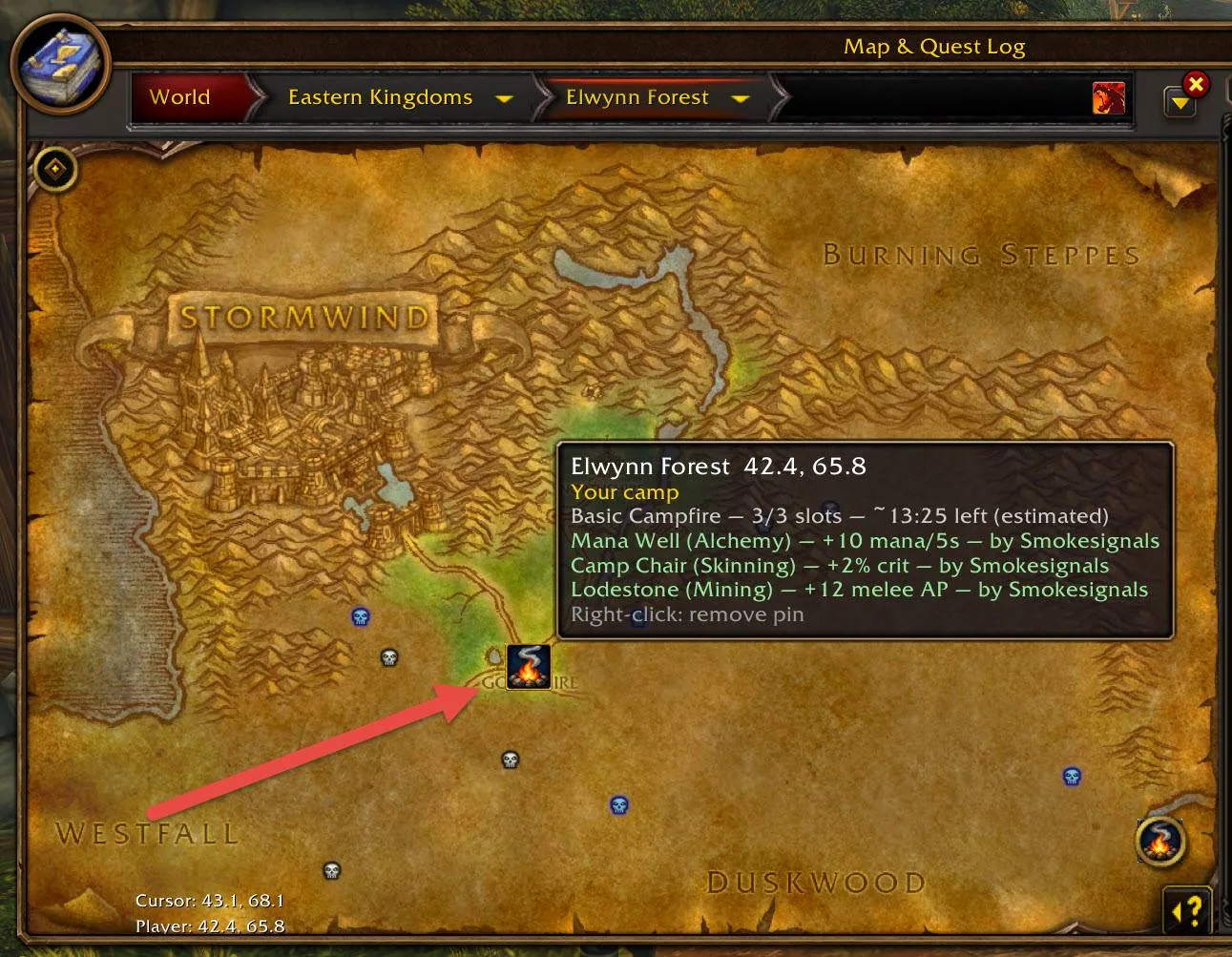
1/4World map of Elwynn Forest with a campfire pin and a tooltip listing the camp's objects, their bonuses and the time left
Captured in WoW ForeverImages: curseforge.com
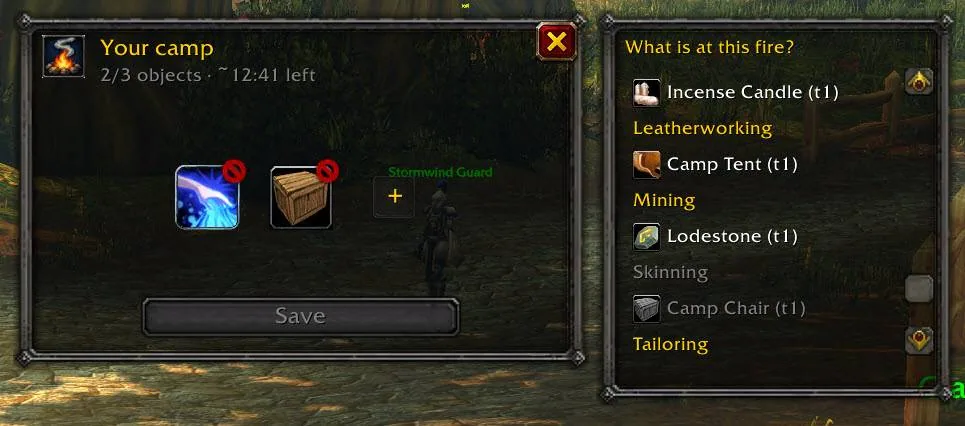
2/4The camp panel with the objects of your fire on the left and a list of objects to add on the right
Captured in WoW ForeverImages: curseforge.com
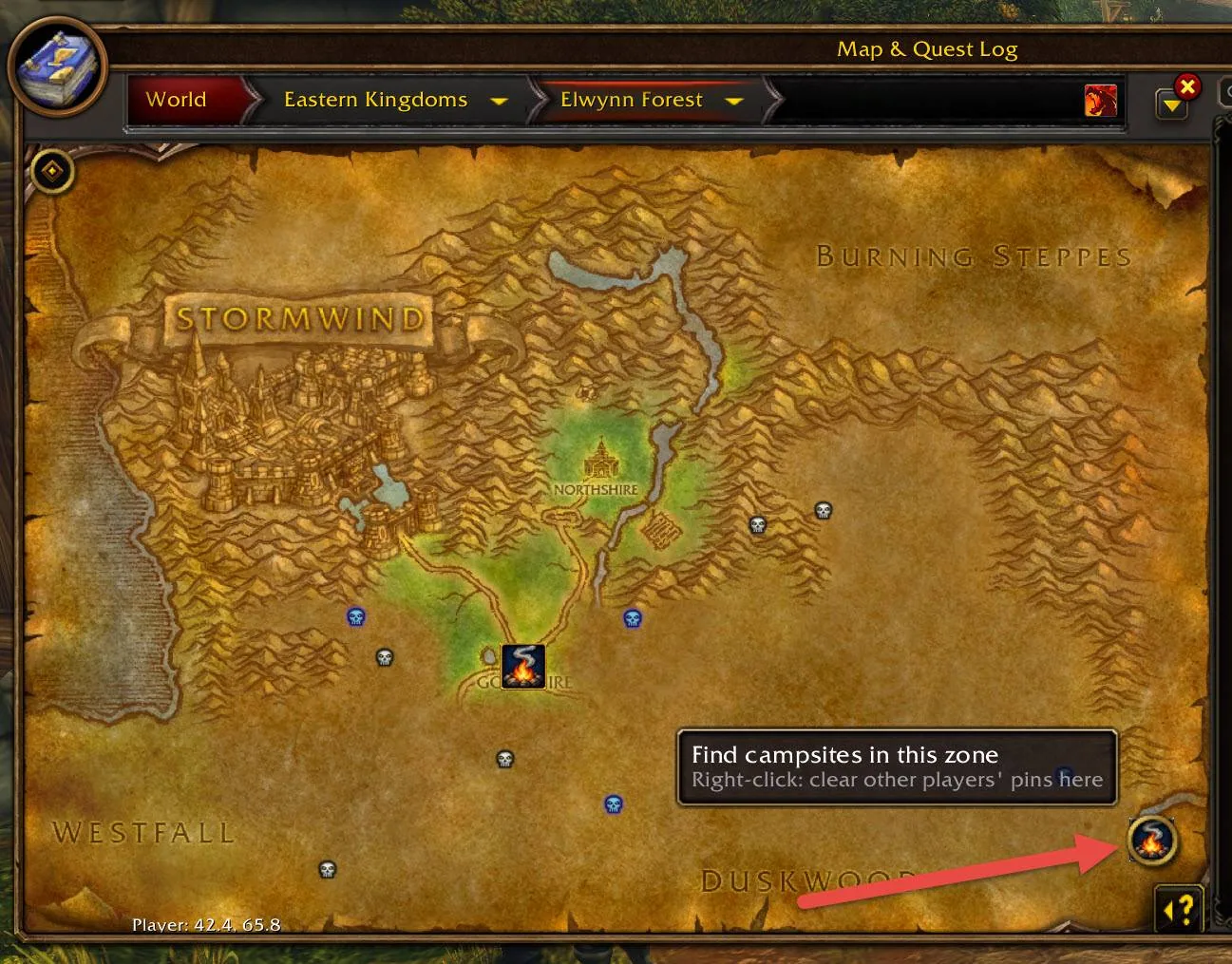
3/4World map with the round Smoke Signals button at the bottom right that finds campsites in the zone
Captured in WoW ForeverImages: curseforge.com
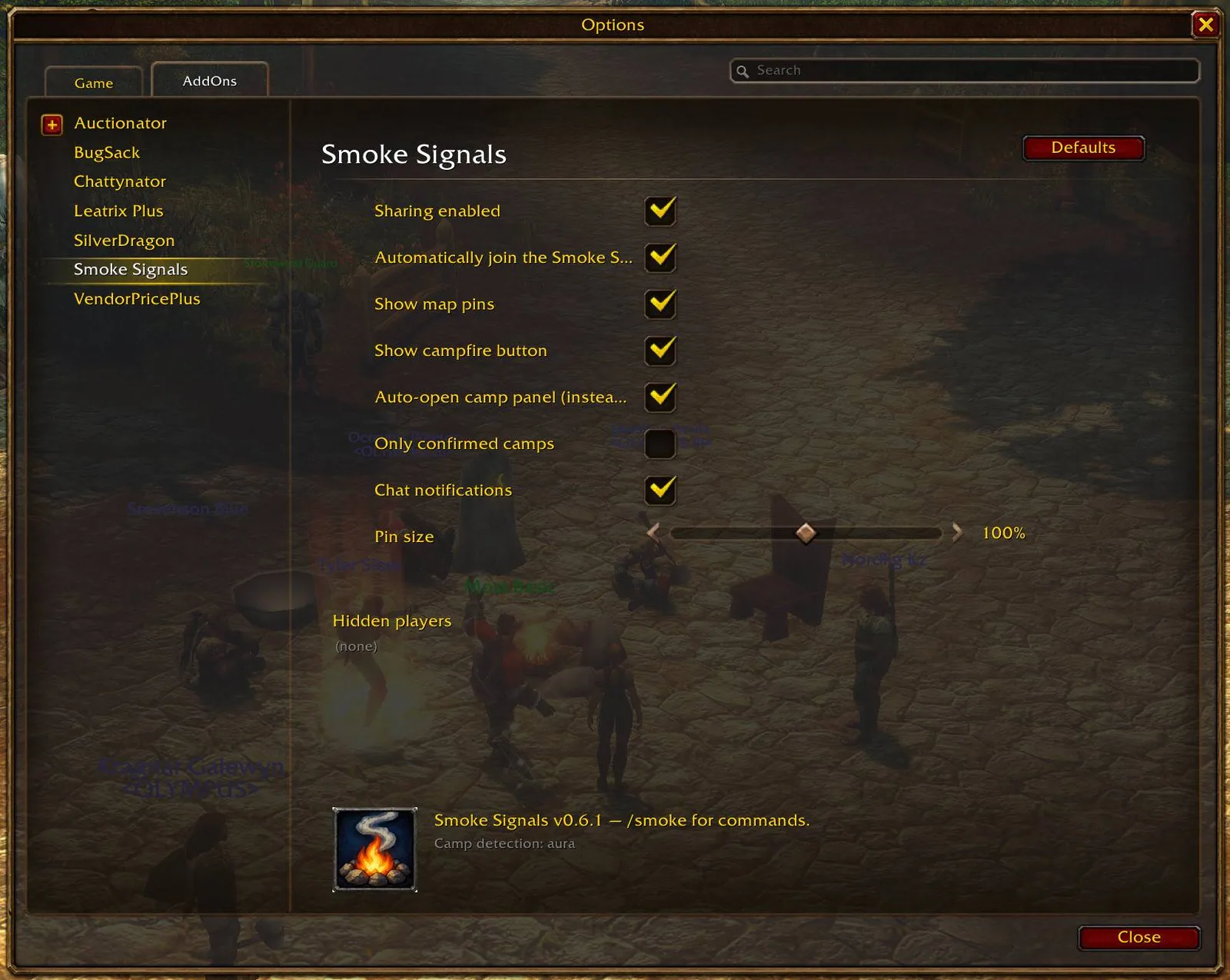
4/4The Smoke Signals settings page in the AddOns options with checkboxes for sharing, map pins and the campfire button
Captured in WoW ForeverImages: curseforge.com
What it does
- Light a campfire, click the pulsing campfire button and press Post, and every player of your faction in the zone who runs the addon gets a pin on their map
- The camp panel lets you add or remove the objects that stand at a fire, three per camp in the current beta, and the map tooltip lists them with the bonus each one gives
- Walk up to anyone's fire to add what is missing, and everyone's pin updates
- A small button on the world map finds the active camps of the zone if you logged in late
- Pins show a countdown and disappear after 15 minutes, when the fire burns out
- Sends nothing until you click, and you can switch sharing off in the settings
In WoW Forever
Yes, Smoke Signals has a WoW Forever version (version v0.13.1 of October 14).
Settings
/smoke
Open Options, AddOns, Smoke Signals, or type /smoke (or /smoke config) to open the settings.
Install
- Download the file tagged for Forever or game version 1.60.1.
- Unpack the folder into World of Warcraft\_classic_beta_\Interface\AddOns.
- Restart the game and check on the character screen under AddOns that it is on.
For the same job
- RareScannerAlerts you when a rare, event or treasure shows up on the minimap.
- SilverDragon - Rare ScannerScans for rare mobs so you can find them and their loot.
- Profession Shopping ListTracks recipes and reagents with cooldowns and shopping lists.
- GatheringShows per-hour collection rates for gathering professions.
- GatherLiteGathering helper that remembers where you found things.
- MolinariOne-click milling, prospecting, disenchanting and lockpicking from the bags.
FAQ
Does Smoke Signals work in WoW Forever?
Yes, Smoke Signals has a WoW Forever version (version v0.13.1 of October 14). We check the addon file itself, not only what the download page says.
Where do I download Smoke Signals for WoW Forever?
On CurseForge. Take the file tagged for Forever or game version 1.60.1. Smoke Signals has 218 downloads on CurseForge.
How do I open the Smoke Signals settings?
Type /smoke in chat. Open Options, AddOns, Smoke Signals, or type /smoke (or /smoke config) to open the settings.
Short on time? Let a booster play it
Every guide here shows how to do it yourself. If your evenings are short, our boosters take the grind off your hands. Options and current prices are on each service page.


Connected
Linked in other guides
Professions and gold1
Professions and gold1
Page history
What changed
Updated
New version with a Forever build: version and release date updated.
New version with a Forever build: version and release date updated.
New page for this addon: what it does, its Forever status, settings, install steps, alternatives and the download from the developer or the project page, with the project's screenshots where it has them, each credited to its source.
First published Every change on the guides