


Quick access


SpartanUI for WoW Forever
Yes, SpartanUI has a WoW Forever version (version 9.0.5 of November 15). Long-running UI suite combining artwork with unit frames, bars and minimap options. Get it on GitHub under Releases and type /sui in chat to open its settings. Among the 7 addons in the UI suites and overhauls group it ranks 2nd by downloads.
- Downloads
- 5.2M
- Version
- 9.0.5
- checked
- Nov 18
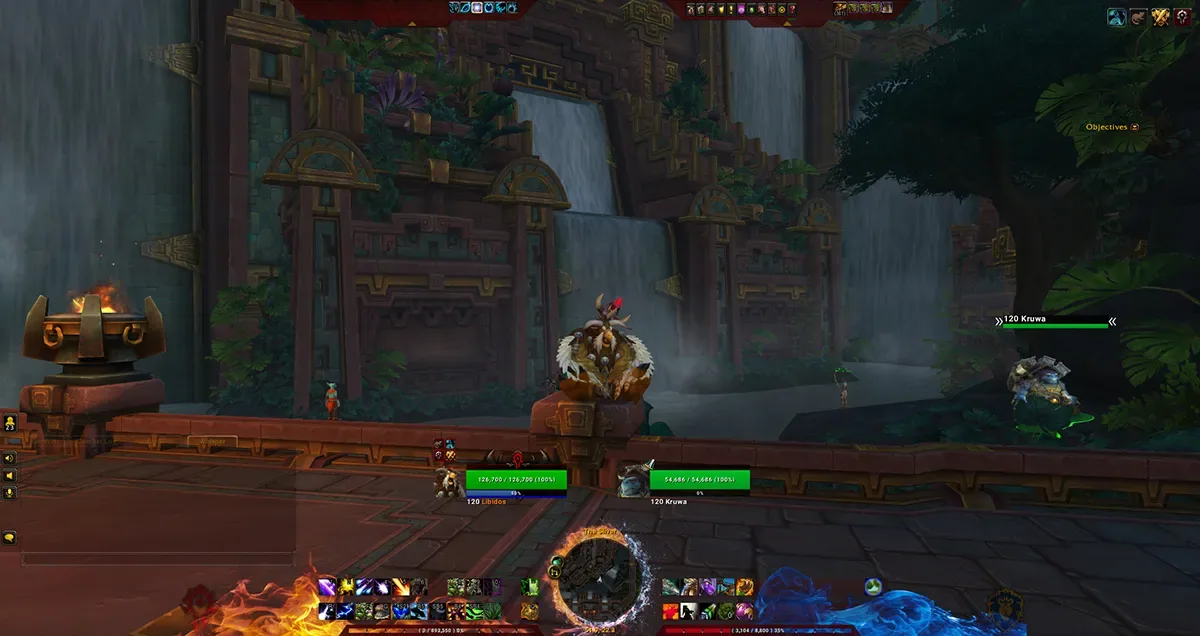
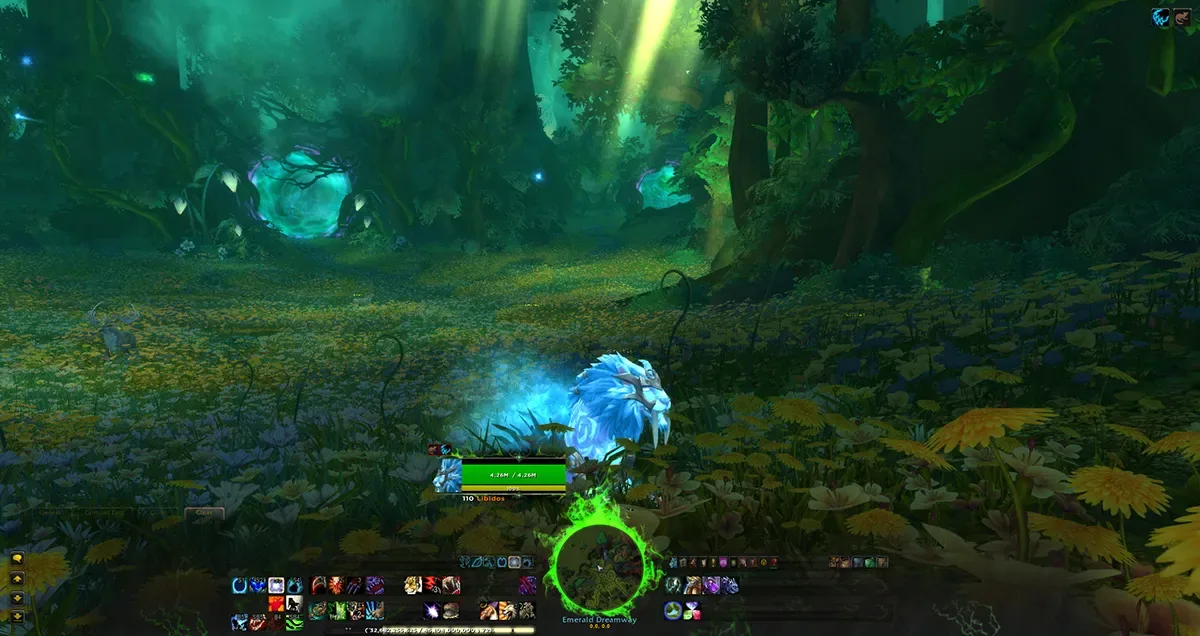
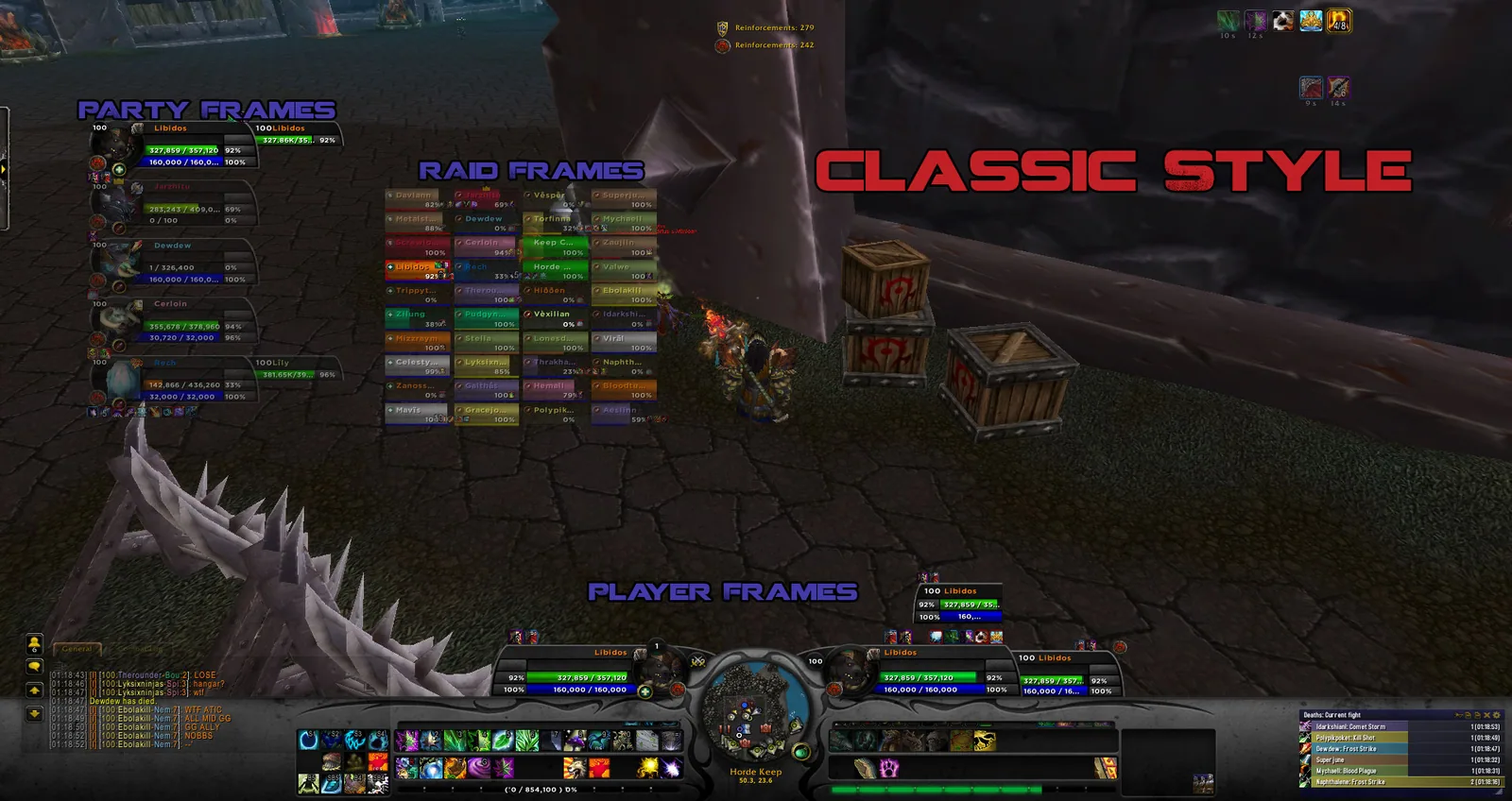
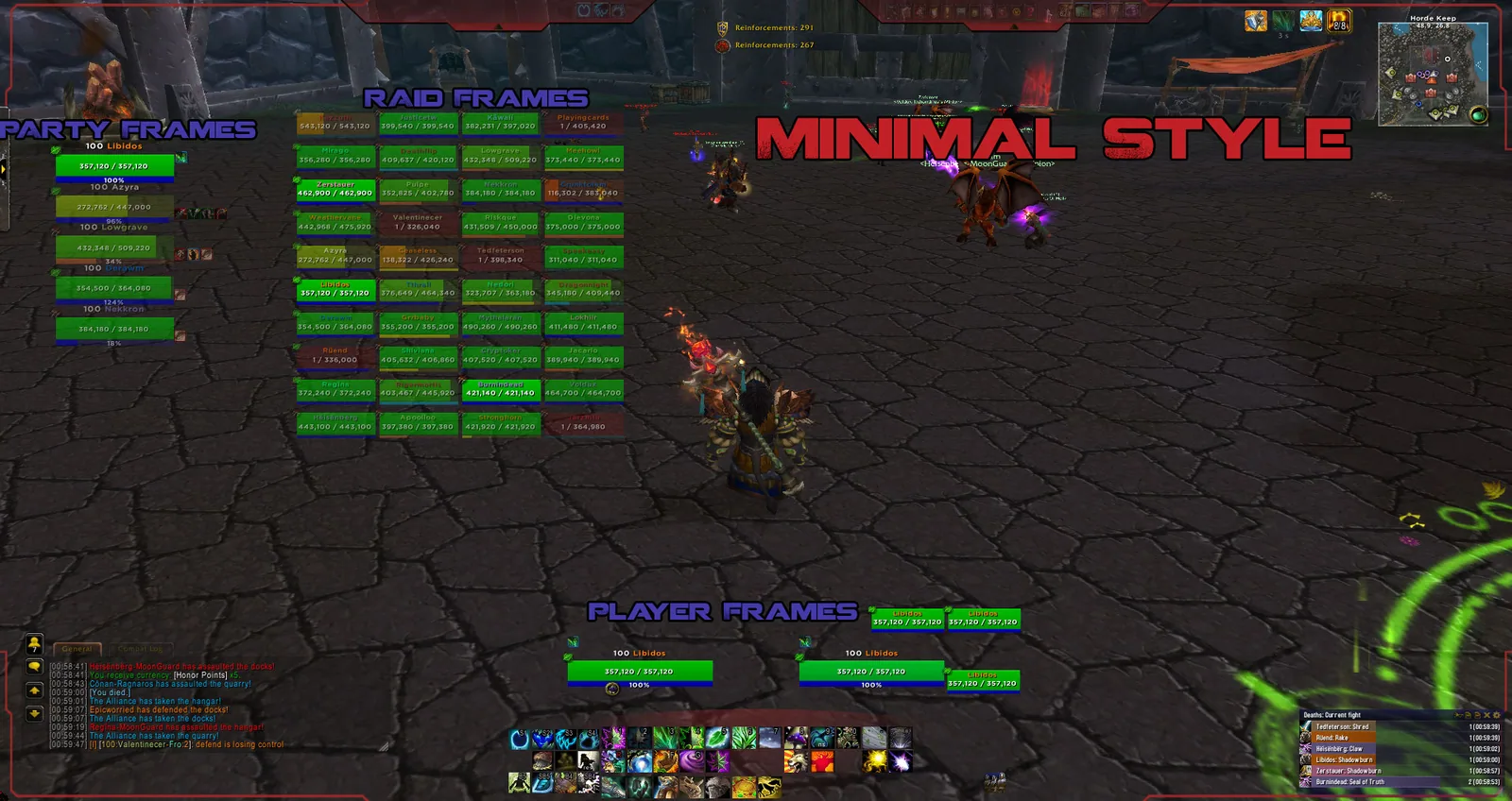
What it does
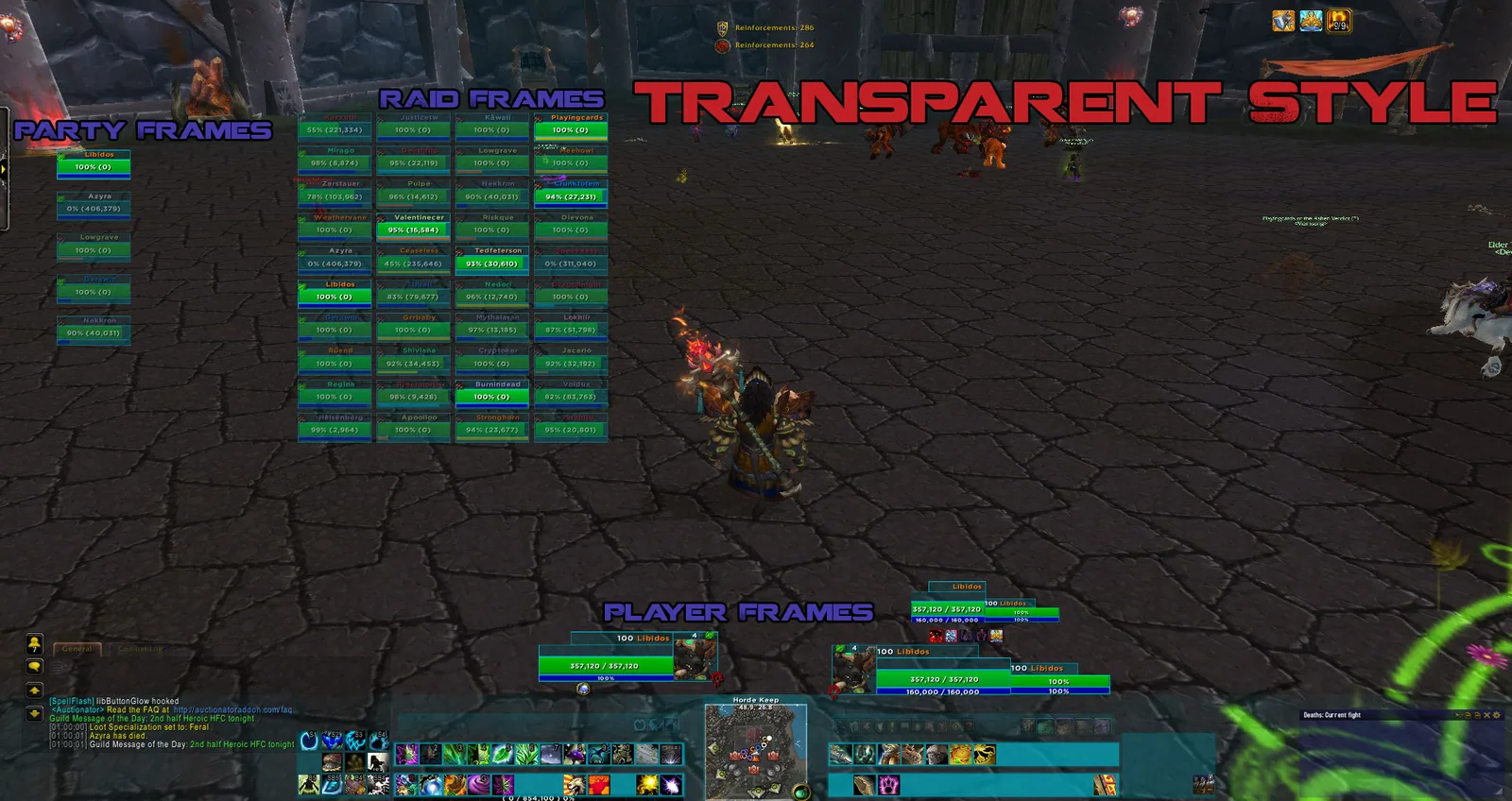
- Moves most of the interface to the bottom of the screen and reskins it with one of 13 themes, each with variants. Switching a theme moves the frames and action bars with it.
- Replaces the unit frames (player, target, focus, party, raid, boss, pet and more) on the oUF framework. Every frame group can use its own look.
- Aura display with HoT tracking, raid debuffs, defensives and crowd control, plus a MoveIt tool to drag frames with a grid and snapping.
- Auto-sell for junk with a blacklist, auto-repair, auto-accept and auto-turn-in for quests, and easy delete for items.
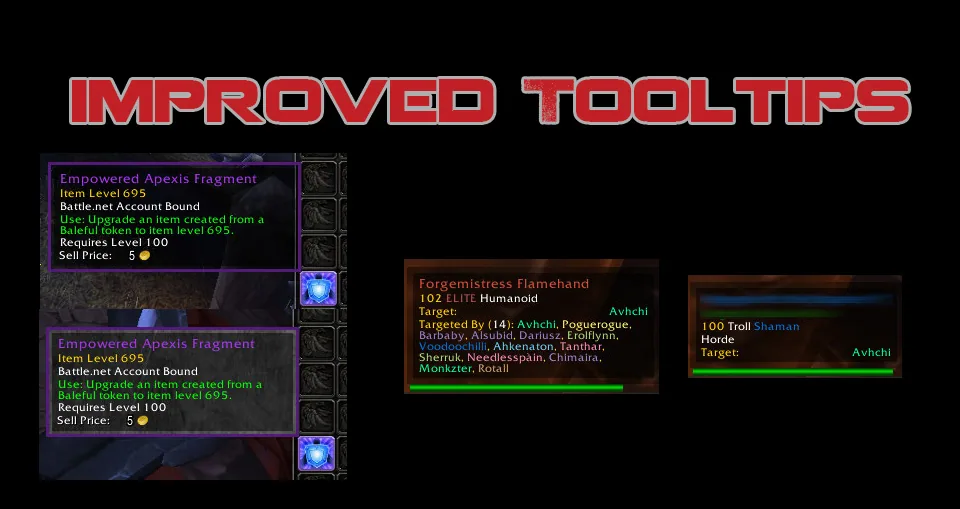
- Chat upgrades such as clickable links, chat search, keyword highlights and timestamps, a configurable minimap and a stats overlay with FPS, latency and XP per hour.
Settings
/sui
Type /sui to open the main options window. Some options need a /reload after you change them.
Install
- Download the file tagged for Forever or game version 1.60.1.
- Unpack the folder into World of Warcraft\_forever_\Interface\AddOns.
- Restart the game and check on the character screen under AddOns that it is on.
How to install addons in WoW ForeverAre addons allowed in WoW Forever?
For the same job
- EllesmereUIUI suite with an unlock-mode editor, action bars, unit and raid frames, nameplates, a cooldown manager skin, chat, bags and a base layout made for Forever.
- ElvUIFull interface replacement with unit frames, bars, bags, chat and nameplates, downloaded from Tukui instead of the usual addon apps.
- ForeverUIRole-adaptive interface for Forever with healer, tank and DPS frames, click casting, action bars, nameplates, bags, chat and a quest helper module.
- LuckyoneUIElvUI-based interface that also runs standalone, with a bundled damage meter.
- OakUI: The Ellesmere UI EditionOne-click profile installer with layouts for EllesmereUI.
- MelloUIAll-in-one Forever interface with an old-school RPG reskin, voiced quest givers, a route arrow and an updated map.
FAQ
Does SpartanUI work in WoW Forever?
Yes. We checked the addon file of version 9.0.5 on November 18, not only the download page.
Where do I download SpartanUI for WoW Forever?
On GitHub under Releases. Take the file tagged for Forever or game version 1.60.1. SpartanUI has 5.2M downloads on CurseForge.
How do I open the SpartanUI settings?
Type /sui in chat. Type /sui to open the main options window. Some options need a /reload after you change them.
Short on time? Let a booster play it
Every guide here shows how to do it yourself. If your evenings are short, our boosters take the grind off your hands. Options and current prices are on each service page.


Linked in other guides
Page history
What changed
Updated
Every addon page says where to get the addon and how it ranks among the addons of its kind, and names the built-in tool that does part of the same job
The current Forever version is 9.0.5 of November 15.
Every addon shows the date of our last check now, not the day its Forever support was first seen.
First published Every change on the guides