
Quick access


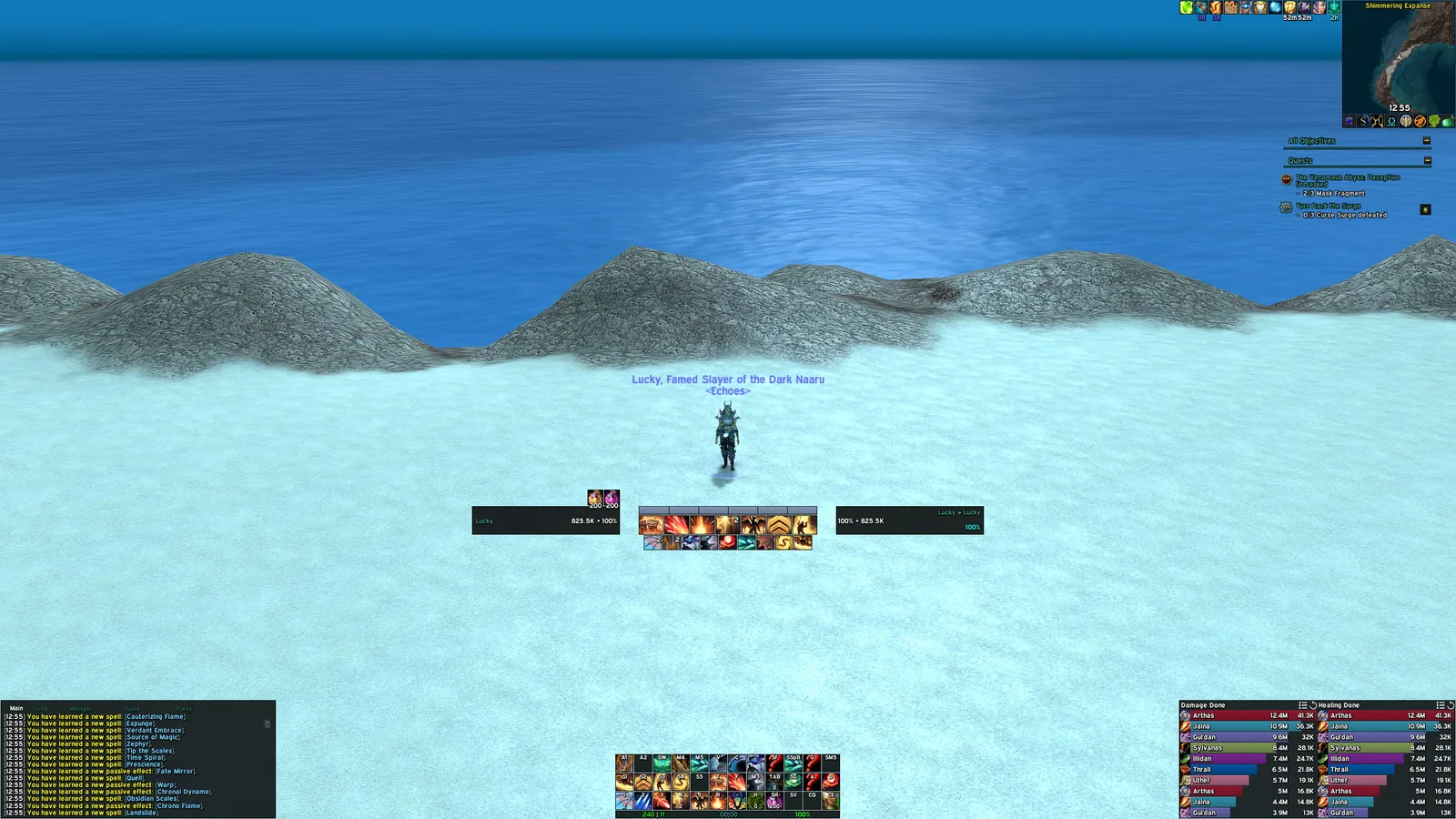
1/4Main layout for damage dealers and tanks
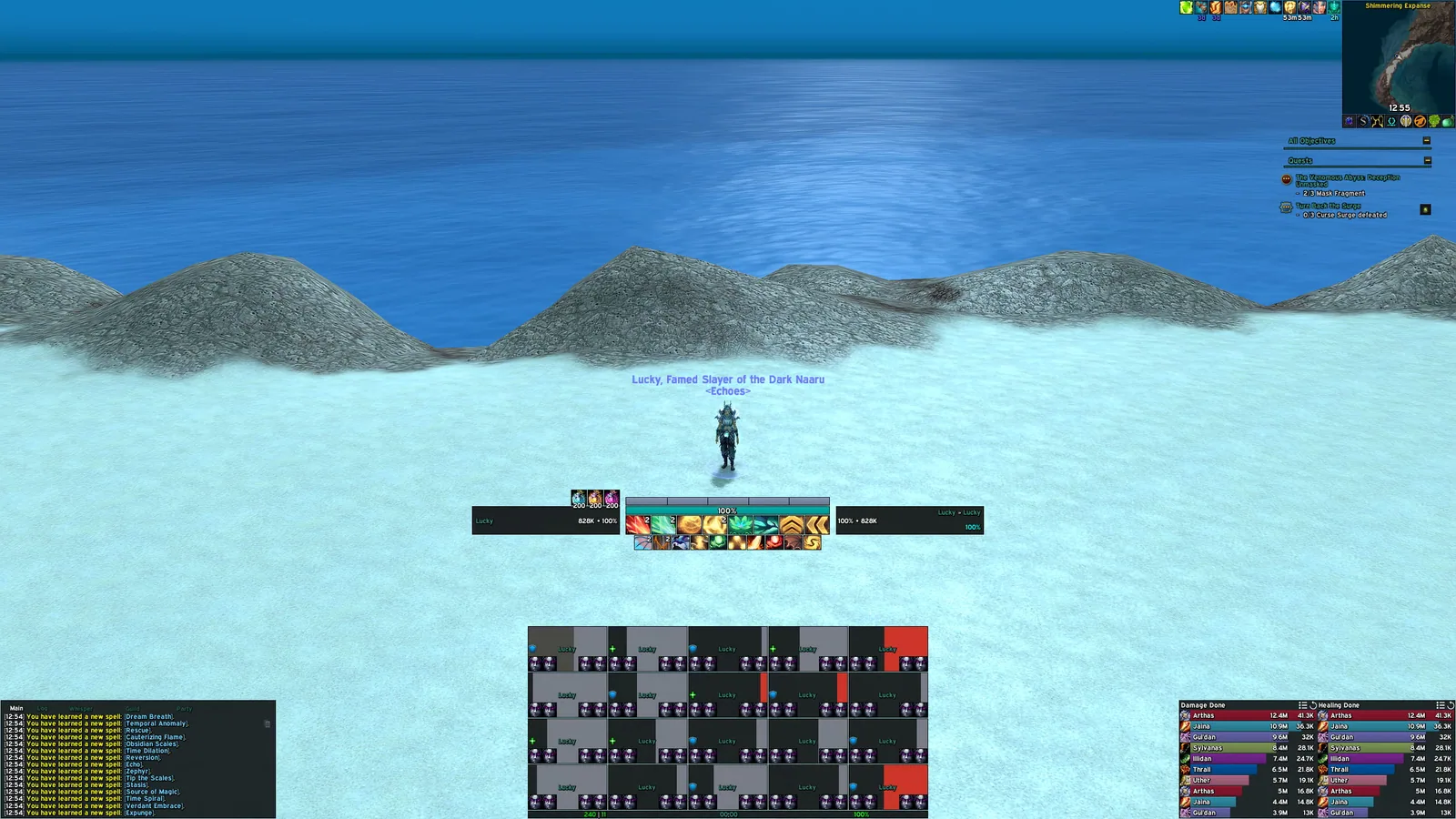
2/4Healing layout with centered raid frames
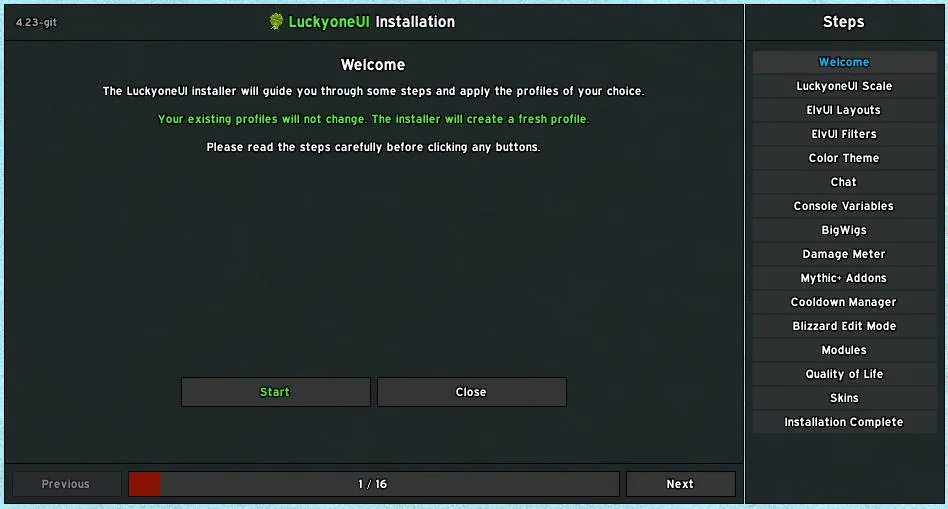
3/4The in-game installer
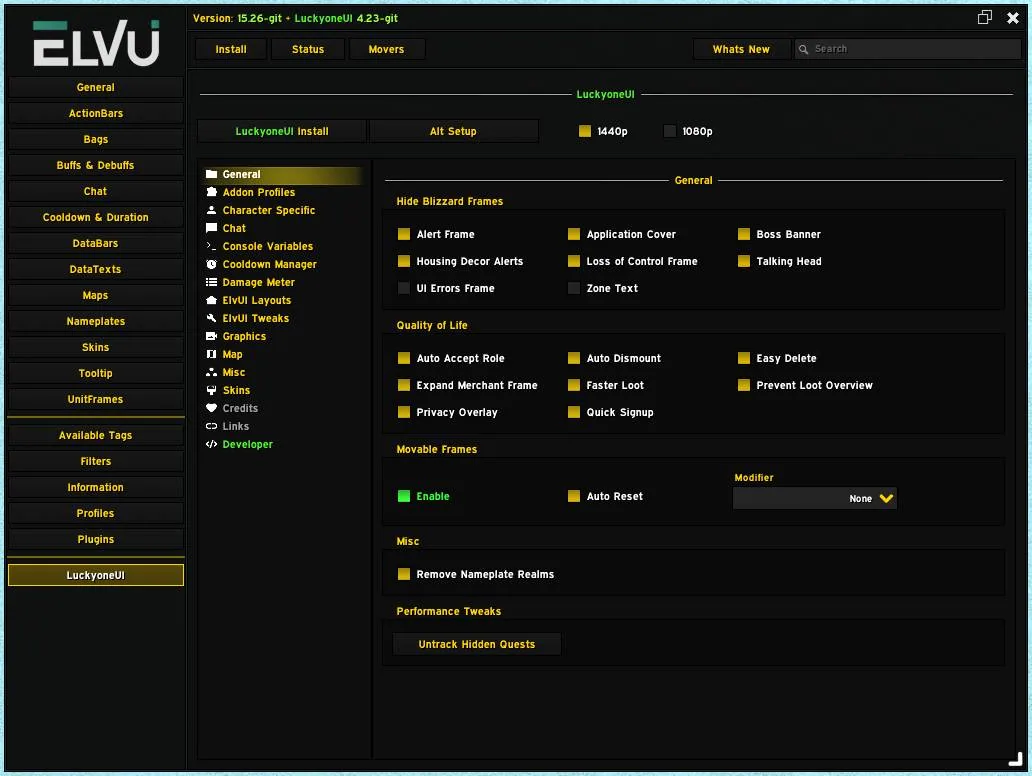
4/4The in-game options
What it does
- A hybrid UI: it runs on its own or as a plugin for ElvUI. Profile imports and the core features work without ElvUI, the layouts need it.
- ElvUI layouts for damage and tank roles and for healing, with a dark or class-colored theme, aura filter lists updated for 40 specs and one-click setup of profiles for other supported addons.
- A custom damage meter built on Blizzard's native combat data, with several windows per content type, bookmarks and a death log at your cursor.
- Many small quality-of-life modules, for example hiding the talking head but keeping its voice, a cleaner minimap button bar, a movable Blizzard frames option and an automatic fill-in of the delete text.
- Everything is off by default and an update never turns on a new feature or changes your profiles by itself.
In WoW Forever
Yes, LuckyoneUI has a WoW Forever version (version 4.27 of November 4).
Settings
/lucky
Type /lucky config to open the options, /lucky install to run the installer.
Install
- Download the file tagged for Forever or game version 1.60.1.
- Unpack the folder into World of Warcraft\_classic_beta_\Interface\AddOns.
- Restart the game and check on the character screen under AddOns that it is on.
For the same job
- EllesmereUIUI suite with an unlock-mode editor, action bars, unit and raid frames, nameplates, a cooldown manager skin, chat, bags and a base layout made for Forever.
- ElvUIFull interface replacement with unit frames, bars, bags, chat and nameplates, downloaded from Tukui instead of the usual addon apps.
- ForeverUIRole-adaptive interface for Forever with healer, tank and DPS frames, click casting, action bars, nameplates, bags, chat and a quest helper module.
- SpartanUILong-running UI suite combining artwork with unit frames, bars and minimap options.
- OakUI: The Ellesmere UI EditionOne-click profile installer with layouts for EllesmereUI.
- MelloUIAll-in-one Forever interface with an old-school RPG reskin, voiced quest givers, a route arrow and an updated map.
FAQ
Does LuckyoneUI work in WoW Forever?
Yes, LuckyoneUI has a WoW Forever version (version 4.27 of November 4). We check the addon file itself, not only what the download page says.
Where do I download LuckyoneUI for WoW Forever?
On CurseForge. Take the file tagged for Forever or game version 1.60.1. LuckyoneUI has 2.1M downloads on CurseForge.
How do I open the LuckyoneUI settings?
Type /lucky in chat. Type /lucky config to open the options, /lucky install to run the installer.
Short on time? Let a booster play it
Every guide here shows how to do it yourself. If your evenings are short, our boosters take the grind off your hands. Options and current prices are on each service page.


Connected
Linked in other guides
Page history
What changed
Updated
The current Forever version is 4.27 of November 4.
New version with a Forever build: version and release date updated.
New page for this addon: what it does, its Forever status, settings, install steps, alternatives and the download from the developer or the project page, with the project's screenshots where it has them, each credited to its source.
First published Every change on the guides